What is BlazePDF?
BlazePDF is a desktop PDF workspace built specifically for studying. Instead of treating annotation as an afterthought bolted onto a viewer, it treats the PDF as the center of a study session — a place to read lecture slides, textbook chapters, research papers, and past papers, then mark them up in whatever way helps the material stick.
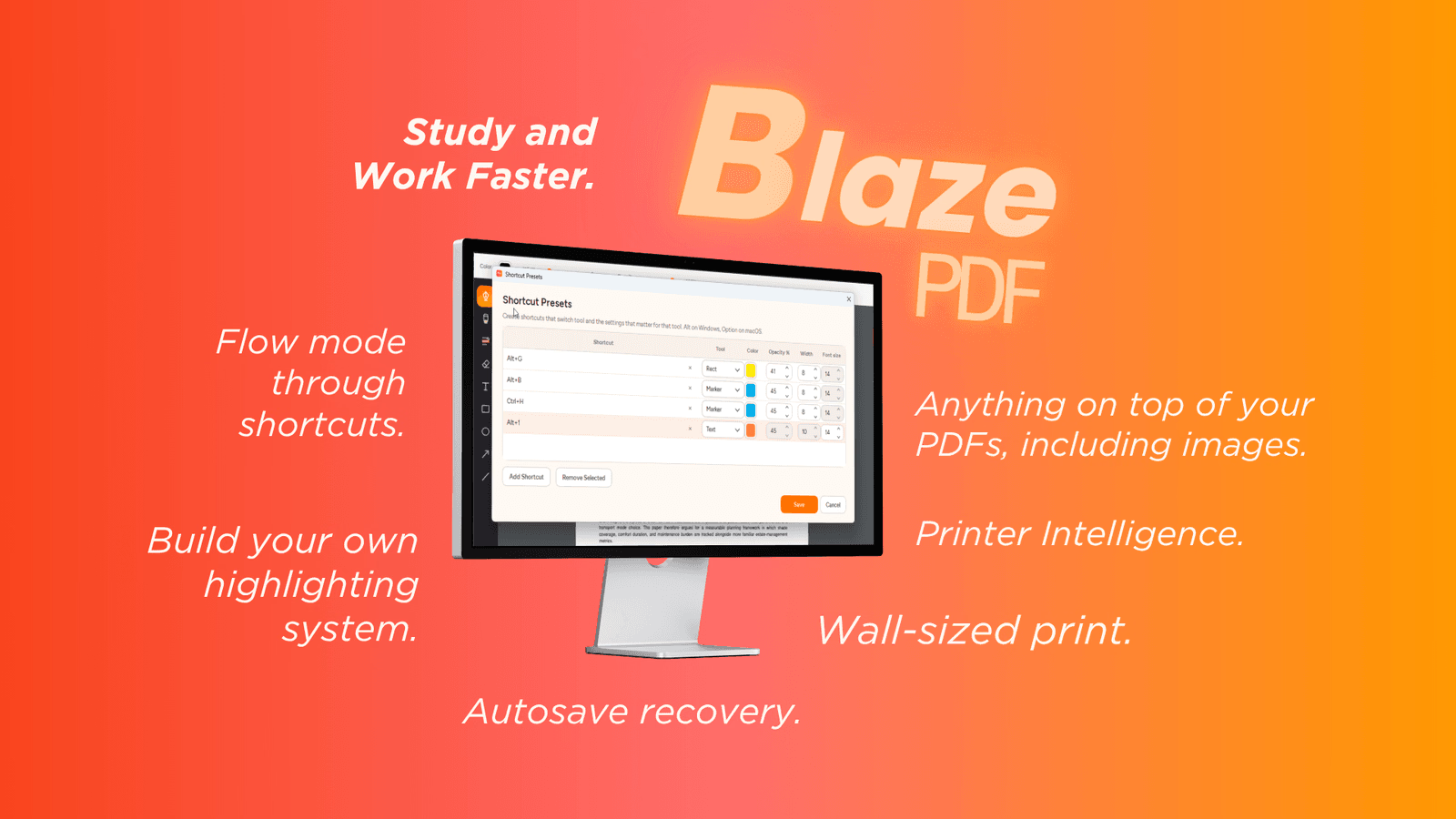
The toolset covers pen and marker strokes, word-aware highlights, editable text boxes, shapes, arrows, lines, images, erasing, undo, and redo. Tool presets let a single shortcut restore the color, width, and opacity you use for a particular kind of note, so switching between "definition," "exam hint," and "confusing" doesn't mean rebuilding your settings each time.
Who it's for
- Students working through a full semester — lecture slides, readings, revision notes, and past papers all live in one calm workspace.
- Keyboard-first annotators — Flow Mode is designed so you can mark up a document without reaching for the mouse.
- Anyone facing awkward print jobs — Smart Duplex and Poster Enlargement exist for the two-sided and oversized prints that normal readers handle badly.
Key features
Annotation tools with presets
Pen and marker strokes, word-aware highlights, editable text boxes, shapes, arrows, lines, and images sit alongside erasing, undo, and redo. Presets save the color, width, and opacity you use for a given type of note, and one shortcut brings them back.
Flow Mode
Flow Mode keeps annotation keyboard-first, so the interface stays out of the way while you work. Search helps you return to important passages, and editable BlazePDF metadata means annotations remain changeable when a document is reopened.
Page tools and visible export
Page tools support blank-page insertion, image import, reordering, and visible PDF export. You can restructure a document rather than just scribble on top of it.
Smart Duplex and Poster Enlargement
Smart Duplex prepares two-sided output for printers that need a manual second pass and explains how to reload the paper. Poster Enlargement turns one large diagram or page into tiled sheets, with a preview of how the pieces fit together before you commit.
What stands out
Study the PDF—not the interface.
That line is the whole design brief, and the features follow it. Flow Mode, tool presets, and visible export all reduce the number of decisions between you and the page. Privacy reinforces the same idea: opening, reading, annotating, searching native PDF text, and exporting are local desktop workflows, no account is required for the desktop reader, and optional AI OCR begins only when you choose it. BlazePDF does not use document content to train generalized AI models.
Worth checking out if…
You want a reader that treats studying as the primary job rather than a side case. If your semester runs on annotated PDFs, if you prefer the keyboard to the toolbar, or if you've ever wrestled a printer into producing a duplex handout or a poster-sized diagram, BlazePDF is aimed squarely at you.