Voting open · ends in—
Access your dialer securely from mobile browsers.

Do your agents need more flexibility to manage calling activities while working from mobile devices? I provide Browser Based Mobile Dialer solutions that allow users to access essential dialing functions through a supported mobile browser without depending on a traditional desktop setup.
What I Provide:
Mobile Browser Access: Configure the dialing interface for convenient access through supported mobile browsers.
Responsive Interface: Create a mobile-friendly experience that makes calling functions easier to use on different screen sizes.
Agent Access Management: Configure user permissions and access based on your team's roles and operational requirements.
Campaign Access: Allow authorized agents to access their assigned campaigns and calling activities through the mobile interface.
Call Management Features: Provide essential functions such as dialing, call controls, dispositions, and other required agent activities through the browser.
Why Choose My Service?
Today's teams don't always work from the same desk or location, and your communication tools should be flexible enough to support that. I focus on creating a browser-based mobile experience that is simple for agents to use and practical for supervisors to manage. The goal is to give your team greater flexibility without making the calling process complicated.
Product Keywords
Loading comments...
Maker
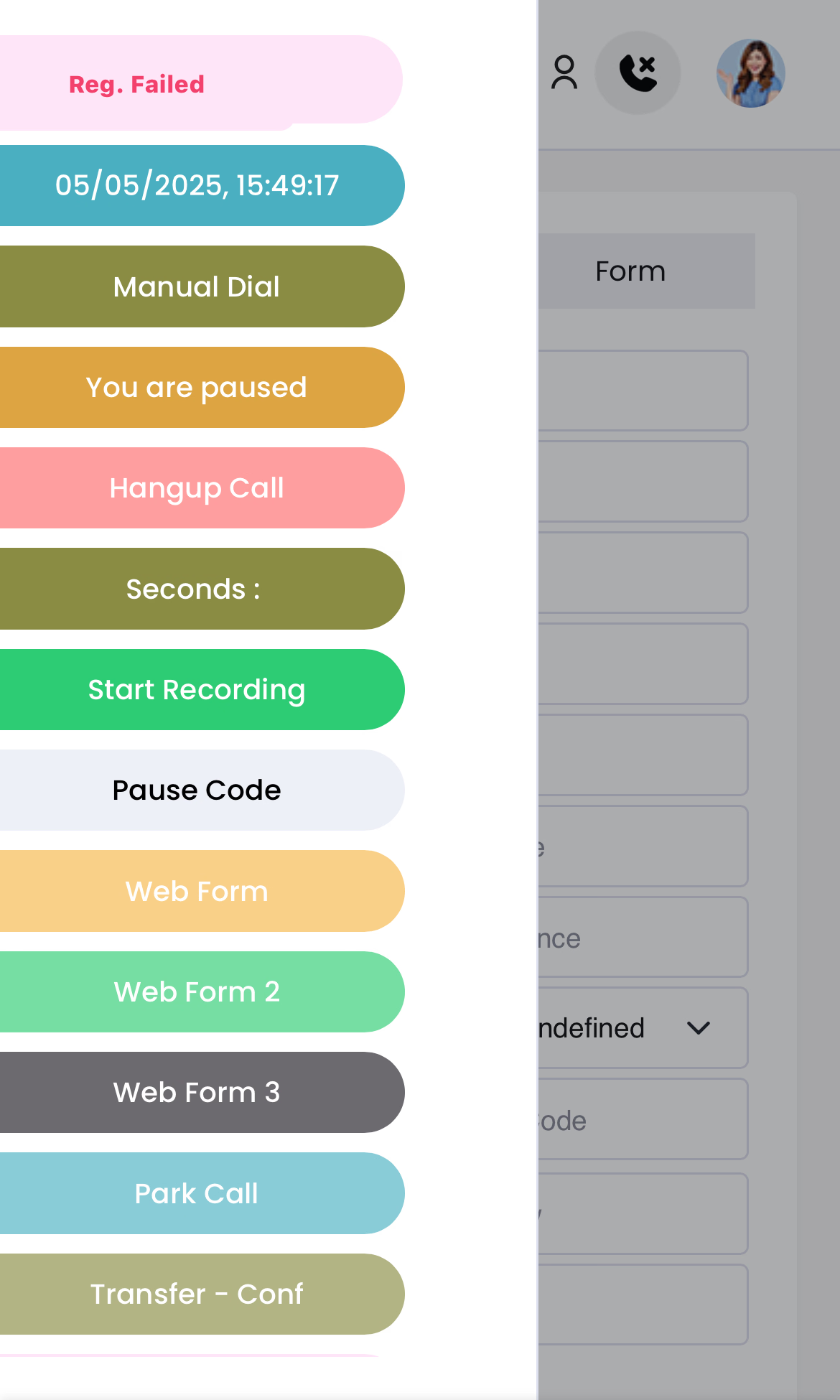
Browser Based Mobile Dialer Solution is a contact center tool that puts essential calling functions directly into a supported mobile browser. Instead of requiring a desktop workstation or a dedicated app installation, agents can open the dialer interface on their Android or iOS device and start managing calls. The solution is configured for secure access, smooth performance, and a responsive layout that adapts to different screen sizes.
The dialing interface is configured for convenient access through supported mobile browsers. Agents can reach their calling tools on the go, without depending on a traditional desktop setup.
The mobile-friendly design makes calling functions easier to use across different screen sizes. Whether on a phone or tablet, the layout adjusts to keep essential controls within reach.
User roles and permissions are configurable, so you can control who sees what. Access to campaigns, dashboards, reports, and administrative features can be tailored to each team member's role and operational needs.
Essential agent activities are covered: dialing, call controls, dispositions, and other required actions are available directly through the browser. Authorized agents can access their assigned campaigns and calling activities without switching tools.
No software installation, no desktop dependency — just a dialer that works where your agents already are.
The core edge is simplicity. There's no app to roll out, no desktop client to maintain, and no complex setup for end users. Combined with configurable permissions and continuous post-deployment support, it's a practical way to give teams flexibility without complicating the calling process.
You're running a contact center where agents need to stay productive from mobile devices, and you want a dialer that's easy to deploy and manage. It's also a strong fit if you're looking for role-based access control, responsive design, and ongoing technical support — all without committing to a full desktop infrastructure.
Loading comments...
Other tools you might consider