What is Claude Watermark?
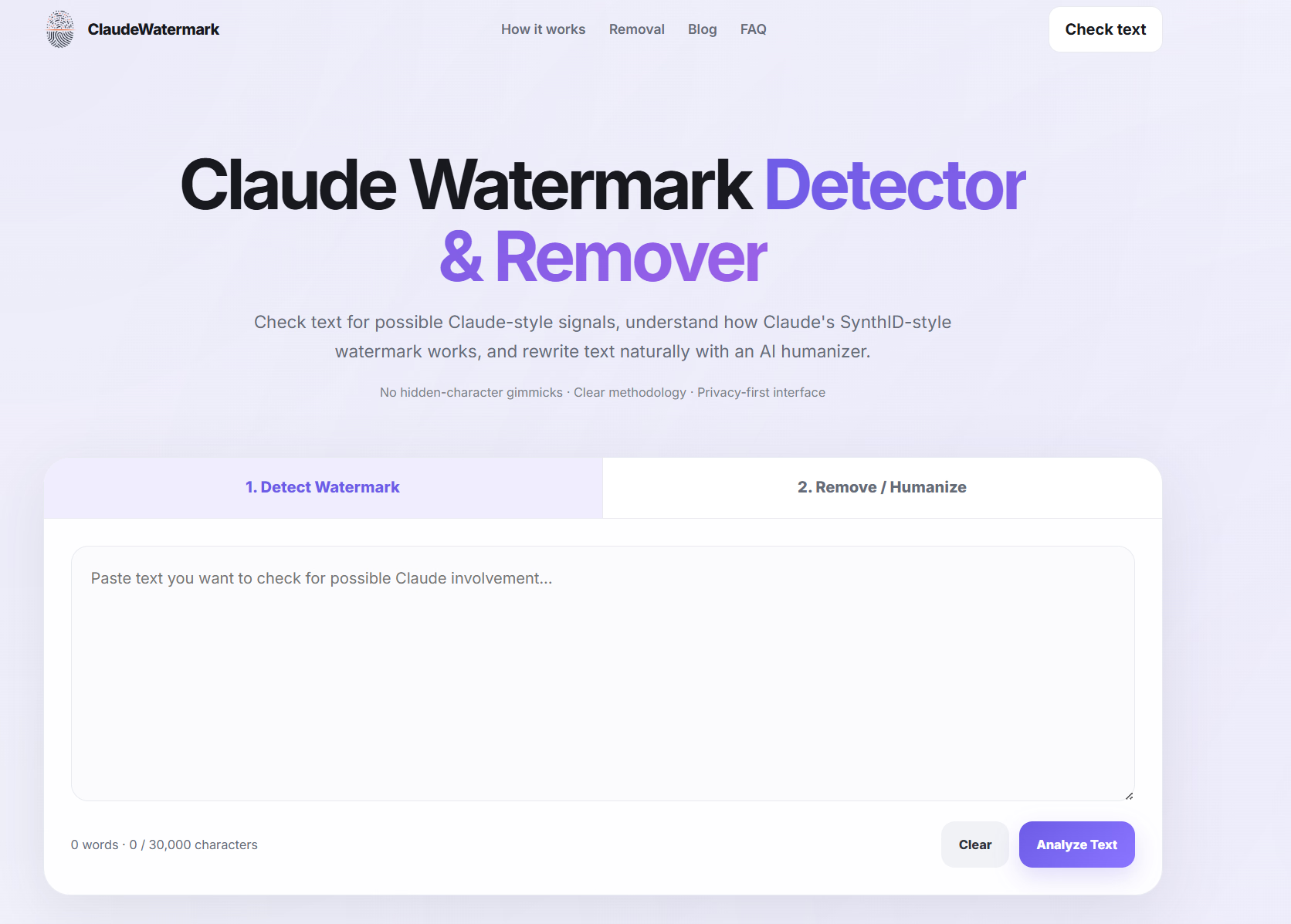
Claude Watermark is a browser-based tool for examining text for statistical signals associated with Claude-style AI watermarking. It pairs a detection view with a rewriting workflow: paste your text, review an AI-likelihood score, then run it through a humanizer to improve readability, flow, and originality.
The tool is built around a specific technical idea. Anthropic has said Claude's text watermark uses a version of Google DeepMind's SynthID-Text approach, which does not insert invisible Unicode characters. Instead, it alters the source of randomness used when the model picks among several plausible next words. Across enough text, that pattern of token choices can be checked against a secret key. Claude Watermark explains this distinction clearly and separates heuristic AI-style analysis from official key-based verification.
Who it's for
- Writers and editors who want a quick read on whether a passage carries AI-likelihood signals before publishing.
- Students and researchers trying to understand how statistical watermarking differs from hidden-character myths.
- Content teams that need a rewrite step to produce newly worded text rather than lightly edited AI output.
Key features
Detection view
Paste up to 30,000 characters and get an AI-likelihood percentage with a Human or AI label. Results are presented as probabilistic signals rather than proof of authorship.
Rewrite and humanize workflow
A dedicated remover tab takes you from analysis into a full rewrite. The tool targets wording, sentence structure, transitions, and phrasing while preserving meaning.
Methodology explainer
The site walks through the five-step watermarking process — context, candidate tokens, watermark key, token choice, and statistical signal — so you understand what a detector actually checks.
Comparison table
A side-by-side table shows which methods can verify an official Claude watermark, making clear that Unicode scanners, em dash detectors, and generic AI detectors cannot.
What stands out
The watermark lives in token selection, not in hidden characters — so deleting zero-width characters or swapping punctuation does nothing to remove it.
That framing shapes everything else in the tool. Rather than promising a magic cleanup, it explains why light edits may leave the signal partly intact while a complete rewrite replaces the original token sequence. The result is a workflow that moves honestly from detection to rewriting, with labels that don't overstate what a local score can prove.
Worth checking out if…
You want a plain-language explanation of SynthID-style watermarking alongside a practical rewrite tool, and you'd rather see heuristic results labeled as heuristics than sold as definitive proof.