What is Imagen a Texto?
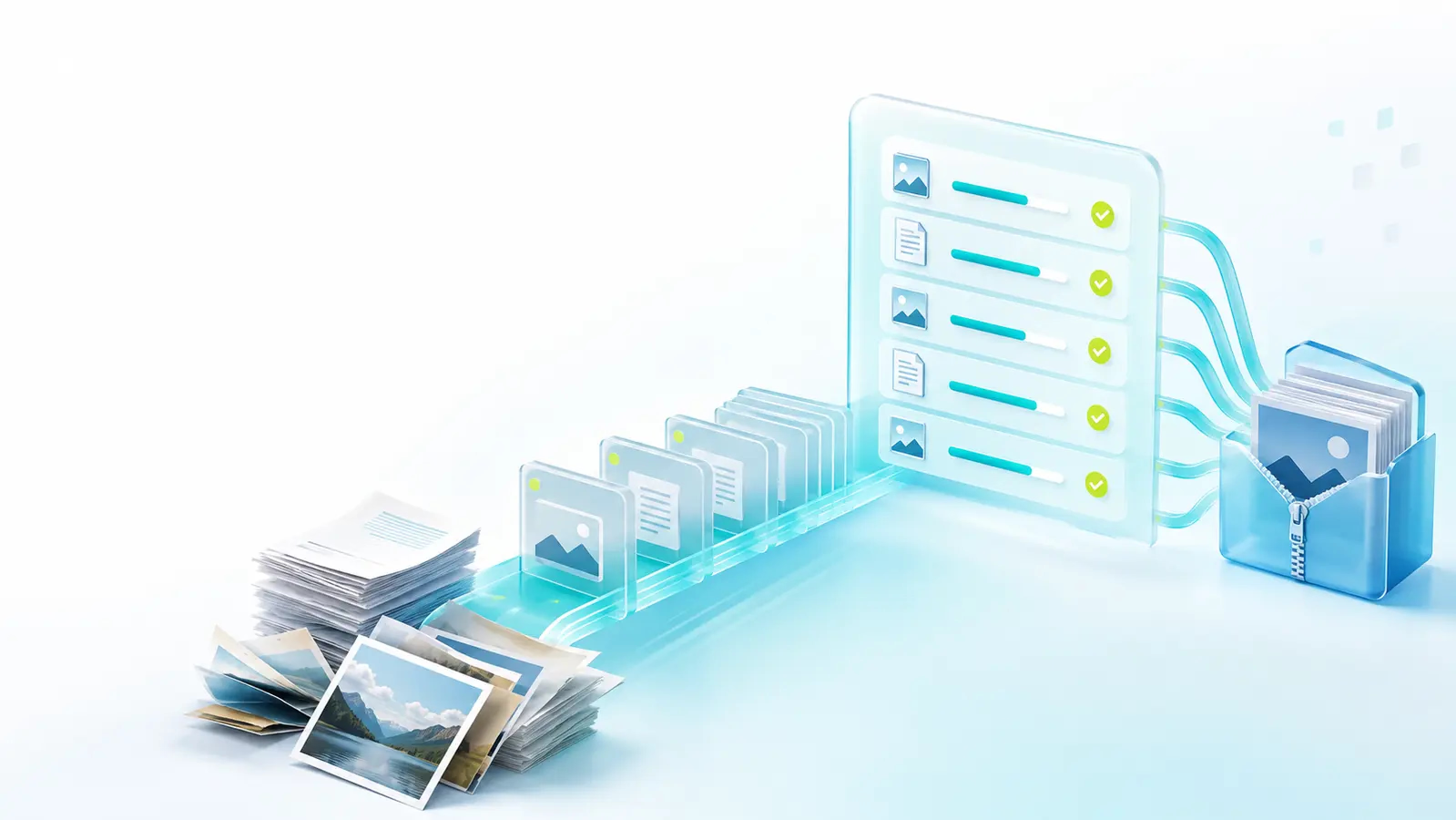
Imagen a Texto is a free online OCR (Optical Character Recognition) tool designed specifically for Spanish-speaking users. It converts written content from photos, screenshots, scanned documents, or images into editable text in seconds. The tool supports multiple input methods—drag-and-drop, file upload, clipboard paste, or direct image URL—and processes formats like JPG, JPEG, PNG, WebP, GIF, BMP, and TIFF. With both local OCR and an AI precision mode, it handles everything from simple text extraction to complex layouts with mixed fonts and small print, all without requiring registration or saving your images.
Who it's for
- Students who need to digitize class notes, textbook pages, or handwritten material into editable text for assignments or study guides.
- Professionals who regularly work with scanned documents, invoices, or screenshots and want to extract text quickly without retyping.
- Casual users who occasionally need to copy text from an image—like a quote, address, or list—and prefer a free, no-frills tool that works in Spanish.
Key features
Local OCR and AI precision mode
The tool offers two recognition engines. Local OCR processes images entirely on your device, keeping everything private and offline. AI precision mode, on the other hand, sends the image temporarily to APIMart for advanced recognition of logos, small fonts, mixed typefaces, and complex layouts—and automatically falls back to local OCR if the service is unavailable.
Multi-language support
Beyond Spanish, Imagen a Texto recognizes English, Portuguese, French, German, and Italian. This makes it a practical choice for bilingual documents or users who work across languages, with a recommended setting for mixed-language content.
Flexible output formats
You can choose between plain text, text with preserved line breaks, or Markdown. After conversion, the result appears in an editable area where you can correct errors, copy fragments, or download the output as a TXT file, Word document, or a ZIP containing both.
Image preprocessing tools
Before running OCR, you can adjust rotation (90°, 180°, 270°), apply cropping presets (soft, document-only, or manual), and enhance contrast and sharpness with three intensity levels—suave, normal, or fuerte—to improve recognition on blurry or low-contrast images.
What stands out
"Free, secure, no registration required — quickly convert images to text."
This tool combines privacy with practicality. Your images are never saved, and local OCR ensures sensitive content stays on your device. The Spanish-first interface is a genuine differentiator, offering clear instructions and buttons in Spanish that most competitors overlook. The dual-engine approach—local for privacy, AI for complex layouts—gives you flexibility without compromising security, and the absence of registration means you can start converting immediately.
Worth checking out if…
You're a Spanish speaker looking for a free, private OCR tool that handles everyday image-to-text tasks without friction. It's especially useful if you work with bilingual documents, need Markdown output for publishing, or want preprocessing controls to salvage blurry scans. If you value speed, simplicity, and not having to create an account, Imagen a Texto delivers a complete workflow—upload, convert, edit, and download—in one clean interface.