What is Instagram Video Downloader?
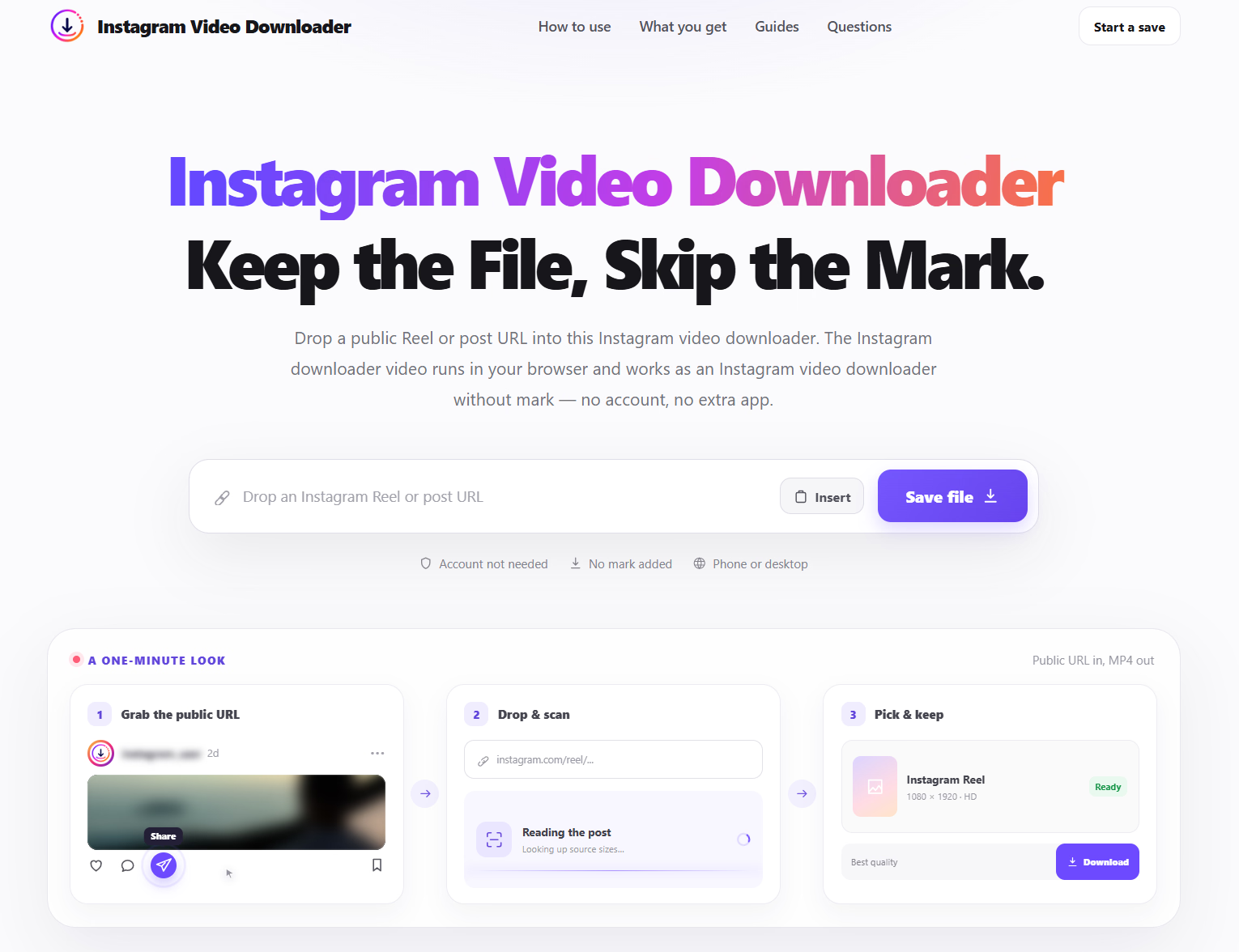
Instagram Video Downloader is a browser-based tool for saving public Instagram media to your device. Paste a public Reel or post URL, and it returns an MP4 file you can keep locally — no account, no app installation, and no Instagram credentials required. The whole flow happens in your browser: copy the link, drop it into the field, preview the file, and save it.
Who it's for
- Casual savers — anyone who wants to keep a public Reel or video for later viewing without installing extra software.
- Editors and creators — people who need a clean MP4 they can open in a player or editing tool on iPhone, Android, Windows, or macOS.
- Archive-minded users — those collecting public clips, photos, or carousel slides into a personal library, provided the creator allows reuse.
Key features
Link-based downloads
The tool works from a public Instagram URL. Copy the link from the Reel or post, paste it into the field, and the available files appear for you to choose from.
No login or installation
There is no sign-in step, no APK, no desktop installer, and no browser extension. Public URLs are enough to get started, and your Instagram password stays off the page.
Multiple public media types
The same flow handles public Reels, regular video posts, photos, and carousel slides. When a carousel mixes clips, each available video appears on its own so you can keep only what you want.
MP4 output with original audio
Clips land as MP4, a format phones, laptops, players, and editors already understand. When Instagram ships audio with the source, that track stays in the file.
What stands out
An Instagram video downloader without mark does not stamp a site logo on the MP4.
That matters if you plan to reuse or archive a clip: text, handles, or marks that already exist inside the original video stay exactly as they were, and nothing new is layered on top. The tool also keeps the strongest file Instagram already published for that post rather than shrinking it or running a second compression pass. If Instagram only stored a smaller size, that is what you get — no surprises about quality.
Worth checking out if…
You regularly come across public Reels or video posts you want to keep and would rather avoid sketchy downloader apps or handing over login details. It suits anyone who wants a straightforward URL-to-MP4 path in a modern browser, on phone, tablet, or desktop, with a preview and file size shown before saving. If your use case involves public content you have permission to reuse, this keeps the process short and the output clean.