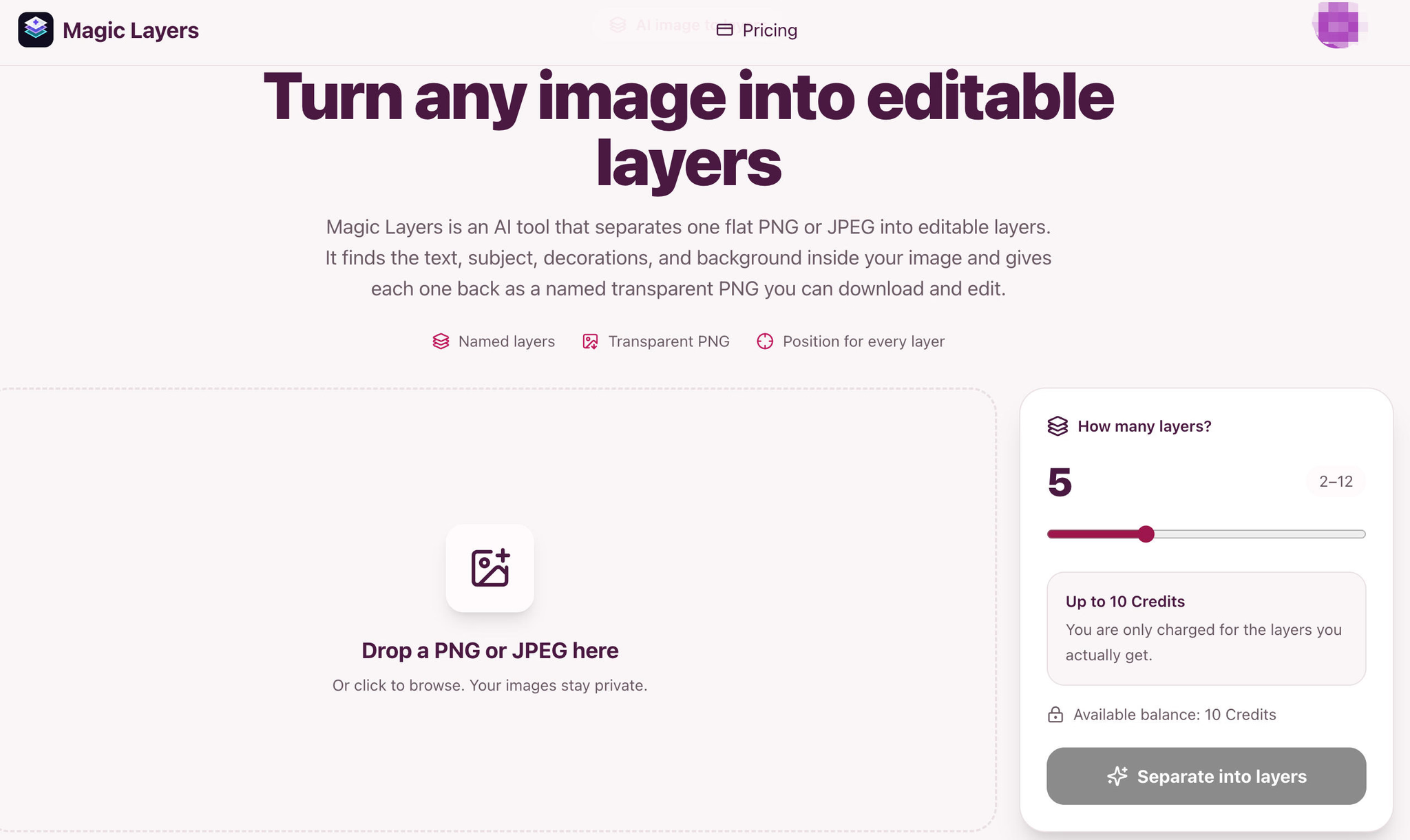
Magic Layers is an AI tool that automatically splits a flat PNG or JPEG image into multiple editable transparent layers, including text, subjects, decorations, and backgrounds. Each layer receives a name, description, and original position, making it easy to download and use directly.
It supports fine-grained control from 2 to 12 layers, with each layer costing just 2 credits, and you only pay for the layers actually generated. Output is provided as PNG with an alpha channel, compatible with mainstream tools like Photoshop, Figma, and Canva.
"Turn any image into editable layers"
Ideal for marketing creatives, social media, presentations, game prototypes, and re-editing e-commerce images.
Product Keywords
Loading comments...
Maker
Magic Layers is an AI tool that takes a single flat PNG or JPEG and splits it into multiple editable transparent layers. Instead of giving you one cutout, it identifies the text, subject, decorations, and background inside your image, then returns each element as a separate named transparent PNG with its original position preserved. You upload one file, choose how finely it should be split (from 2 to 12 layers), and get back a base image plus individual layers ready for download.
Every separated element comes back as a PNG with a clean alpha channel, ready to drop into Photoshop, Figma, Canva, a slide deck, or a game engine. No conversion steps or cleanup needed — the transparency is baked in from the start.
The AI labels each layer it finds — "Gold circle", "Headline", "Product bottle" — so you know what a file contains before you even open it. Each layer also gets a short description, making it easy to identify and organize your assets.
Every layer keeps its detected position and stacking order from the original image. You can click a layer to highlight exactly where it sits in the source, which helps you reassemble or rearrange elements with confidence.
You control the depth of the split, from a broad 2-layer breakdown to a fine-grained 12-layer separation. Each layer costs 2 credits, and you're only charged for the layers actually generated — the price ceiling is set before you start.
"Turn any image into editable layers."
Most tools stop at background removal, giving you one subject on a transparent background while text and decorations stay flattened. Magic Layers goes further by separating every major element — text, subjects, decorations, and background — so you can move, replace, or restyle any part of the image independently. The fact that each layer arrives named, described, and positioned means you're not digging through anonymous crops trying to figure out what's what.
You regularly work with finished images that need to become editable again — whether that's re-editing e-commerce product shots, creating marketing variations from a single campaign visual, or pulling assets for social posts and presentations. If you've ever lost the source file for a design and wished you could split the flat image back into its components, Magic Layers gives you that capability without needing the original project. It's also a practical fit if you want fine-grained control over how many layers you get, with transparent pricing that only charges for what you actually use.

Other tools you might consider
Add beautiful backgrounds, realistic frames, stickers, annotations, and more to your screenshots with an easy to use editor. Create eye-catching visuals that grab attention, boost engagement, and make your posts, products, and content stand out instantly.
Use this shoes poster generator to turn campaign seeds into AI footwear poster concepts, shoe shop layouts, and reusable background directions. It helps creators explore product ads, campaign visuals, and polished poster ideas quickly.
Senior Designers shouldn't be manually-resizing assets ready to run or being aware of TikTok safe zones. PixFit turns 1 key visual into every ad format — brand-perfect, platform-specific, ready to ship.
MS Paint AI Generator is a fun image restyling tool for creators, designers, and content teams. It transforms uploaded images or text prompts into classic MS Paint-style low-fidelity doodle effects. It's perfect for creating memes, retro visuals, social media assets, and lighthearted brand content, turning polished images into creative pictures with a mouse-drawn feel. About MS Paint AI Generator What is MS Paint AI Generator? MS Paint AI Generator is an AI image stylization tool specifically designed to simulate the rough, cute, and slightly clumsy hand-drawn texture of early paint software. Users can upload photos, product images, portraits, or any visual material, and the AI redraws them to look like they were created with a mouse in a paint program. It doesn't aim for photorealism; instead, it turns "imperfection" into a recognizable visual style. Who It's For Social media creators : Need to quickly produce funny, contrasting, and shareable images. Brand operators : Want to add a lighthearted, retro visual style to campaigns, posters, or content. Designers and illustrators : Looking to quickly test low-fidelity, hand-drawn, pixelated, or early computer graphics styles. Meme creators : Need to turn ordinary photos into more exaggerated, funnier memes or community assets. Content teams : Want to generate more memorable visual variations for articles, video thumbnails, or marketing materials. Core Features Image to MS Paint Style Upload a photo or illustration, and the AI preserves the main subject outline and composition while redrawing details with thick lines, low precision, and a mouse-drawn paint software effect. It's great for creating contrast, making serious images feel light and fun. Prompt-Driven Doodle Generation Besides uploading images, you can also generate MS Paint-style images from text descriptions. Input a character, scene, action, or mood, and the AI transforms it into a simple, intuitive visual result with an early computer graphics feel. Perfect for Memes and Social Content The MS Paint style naturally carries a sense of humor and nostalgia. Whether you're making memes, community graphics, short video thumbnails, or adding a bit of "playful" visual interest to social posts, you can quickly produce usable assets. Low-Fidelity Visual Experimentation For designers and creative teams, this tool helps quickly test rough lines, simple color blocks, and low-fidelity visual language. It lets you get direction sketches close to hand-drawn doodles without manual drawing. Key Highlight "Redraw any image to look like it was drawn with a mouse in MS Paint." This sentence captures the core appeal of MS Paint AI Generator: it deliberately avoids polish, turning roughness, clumsiness, and retro vibes into creative expression. While many AI image tools strive for more realism and higher resolution, this tool helps users generate images that are funnier, lighter, and more memorable. Worth a Try If You... Want to quickly turn ordinary photos, product images, or character art into a retro paint software style; or you need a lighthearted visual effect for memes, social media, brand campaigns, or creative testing. MS Paint AI Generator is for creators who don't want perfection but want their images to have more personality and be more noticeable.
Loading comments...