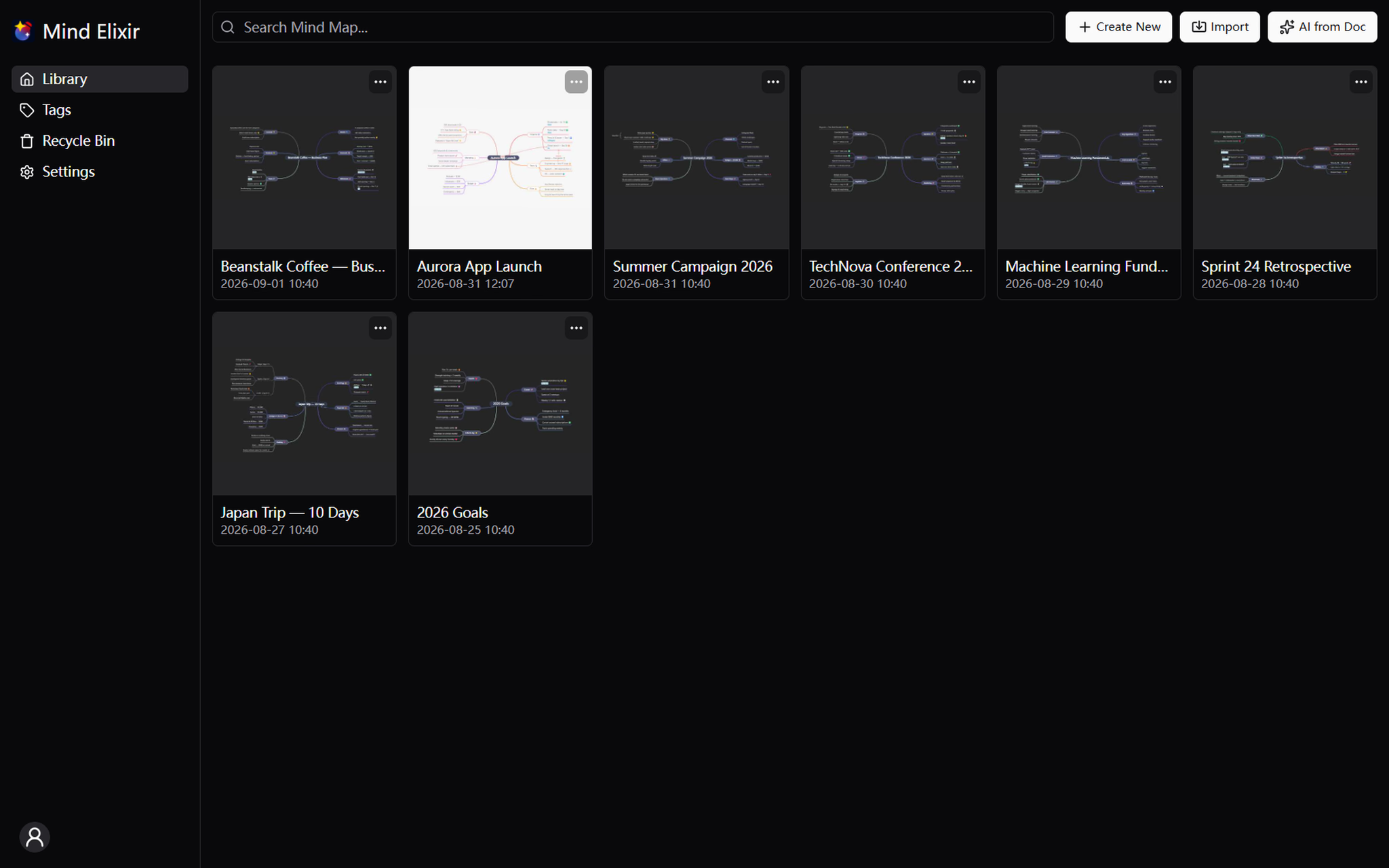
What is Mind Elixir?
Mind Elixir is a privacy-focused mind mapping application that keeps all your data stored locally on your device, with no usage tracking whatsoever. It combines lightweight performance—the app is under 20MB—with advanced capabilities like AI content generation, outline mode, and full Markdown and LaTeX support. Available across iOS, Android, and desktop platforms, it positions itself as a serious tool for structured thinking without the usual cloud dependency or advertising interruptions.
Who it's for
- Privacy-conscious thinkers who want their ideas and notes to remain on their own device, never mined for analytics or advertising.
- Power users of AI workflows who want to connect their own AI services or MCP integrations to automatically expand and update their mind maps.
- Students and academics who need to embed LaTeX formulas and chemical equations directly inside their visual notes, alongside rich Markdown formatting.
Key features
AI-Powered Content Generation
Connect your preferred AI APIs or MCP services, and Mind Elixir can generate ideas for you, automatically update existing maps, and suggest new pathways you might not have considered. This turns a static diagram into an active brainstorming partner.
Outline Mode
Switch between visual mapping and a linear outline view to rearrange thoughts with ease. This dual perspective helps you restructure complex ideas without losing sight of the overall hierarchy.
Flexible Tagging System
Organize and locate your mind maps effortlessly using a flexible tagging system. Tags provide a quick way to filter and retrieve specific maps, even as your collection grows.
Markdown & LaTeX Support
Write nodes in Markdown with full rich text support, and embed LaTeX formulas or chemical equations directly into your map. This makes the tool equally suited for technical documentation and scientific note-taking.
What stands out
Lightweight, powerful, privacy-first mind mapping.
Most mind mapping tools force a trade-off between features and data control. Mind Elixir sidesteps that by keeping everything local and under 20MB, while still offering AI integration, cloud sync through your own S3-compatible storage, and a full export suite. The data flow is genuinely open: you can import from tools like M10C and export freely to multiple formats, so you're never locked into a proprietary ecosystem.
Worth checking out if…
You value complete ownership of your data and want a mind mapping tool that doesn't track your behavior. It's also a strong fit if you're already using AI services and want them woven directly into your brainstorming process, or if you need scientific notation and Markdown in your visual notes. The free plan covers core features like outline mode and AI generation, while annual and lifetime plans unlock unlimited maps and watermark-free export—so you can start without commitment and upgrade only if the workflow clicks.