What is My Tools bench?
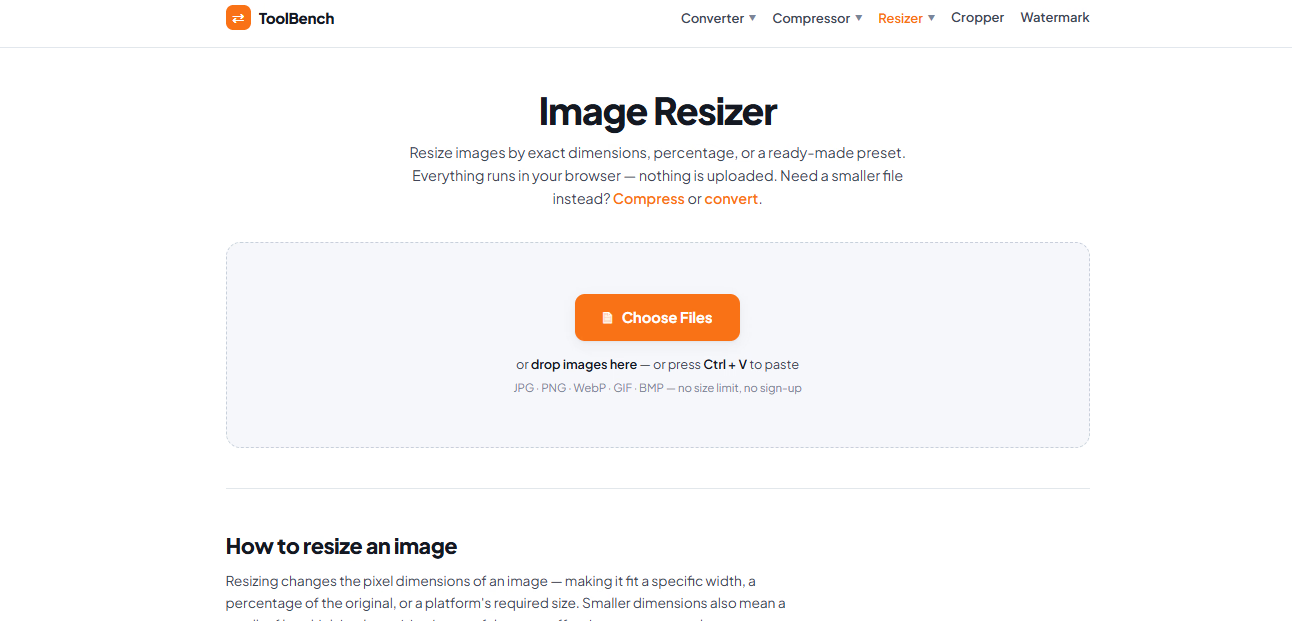
My Tools bench is a free online image resizer that runs entirely in your browser. You add your images, choose a target size, and download the results — no software installation, no account, and no upload wait. It handles common formats like JPG, PNG, and WebP, and can also convert between them as part of the same step, so you don't need a separate tool just to change format.
Who it's for
- Social media and content creators — who need images at platform-ready dimensions without opening a full editing suite.
- Web and blog publishers — who want smaller pixel dimensions to keep pages loading quickly.
- Anyone preparing documents or wallpapers — who needs a specific size like 1920×1080 for slides, backgrounds, or presentations.
Key features
Exact or proportional resizing
Set precise pixel dimensions with an aspect-ratio lock, scale by percentage, or pick from presets for common social and screen sizes. The lock keeps proportions correct so images aren't stretched.
Batch processing
Resize a whole folder of images at once to the same dimensions. There's no upload queue and no file limit to work around.
Browser-based privacy
Your images are resized by your own browser and never sent to a server. Nothing leaves your device, so your files stay completely private.
Format flexibility
Drop in a JPG, PNG, WebP, or almost any other image type and it comes out at your target size. The output keeps the same format unless you choose a different one.
What stands out
Resize down freely, but avoid scaling up much beyond the original dimensions.
That single rule captures how the tool approaches quality. Shrinking an image discards pixels you no longer need, and the result looks clean; enlarging forces the browser to invent pixels that were never there, which looks soft or blocky. The tool is built around that reality — it's a resizer and a converter in one, and it tells you plainly when a target size means cropping or losing detail rather than pretending every resize is lossless.
Worth checking out if…
You regularly need images at a specific size — a Full HD wallpaper, a slide background, a social preset — and you'd rather not install anything or hand your files to a server. It's also a good fit if you process images in batches and want them done instantly, or if you care about keeping your photos private while still getting exact dimensions.