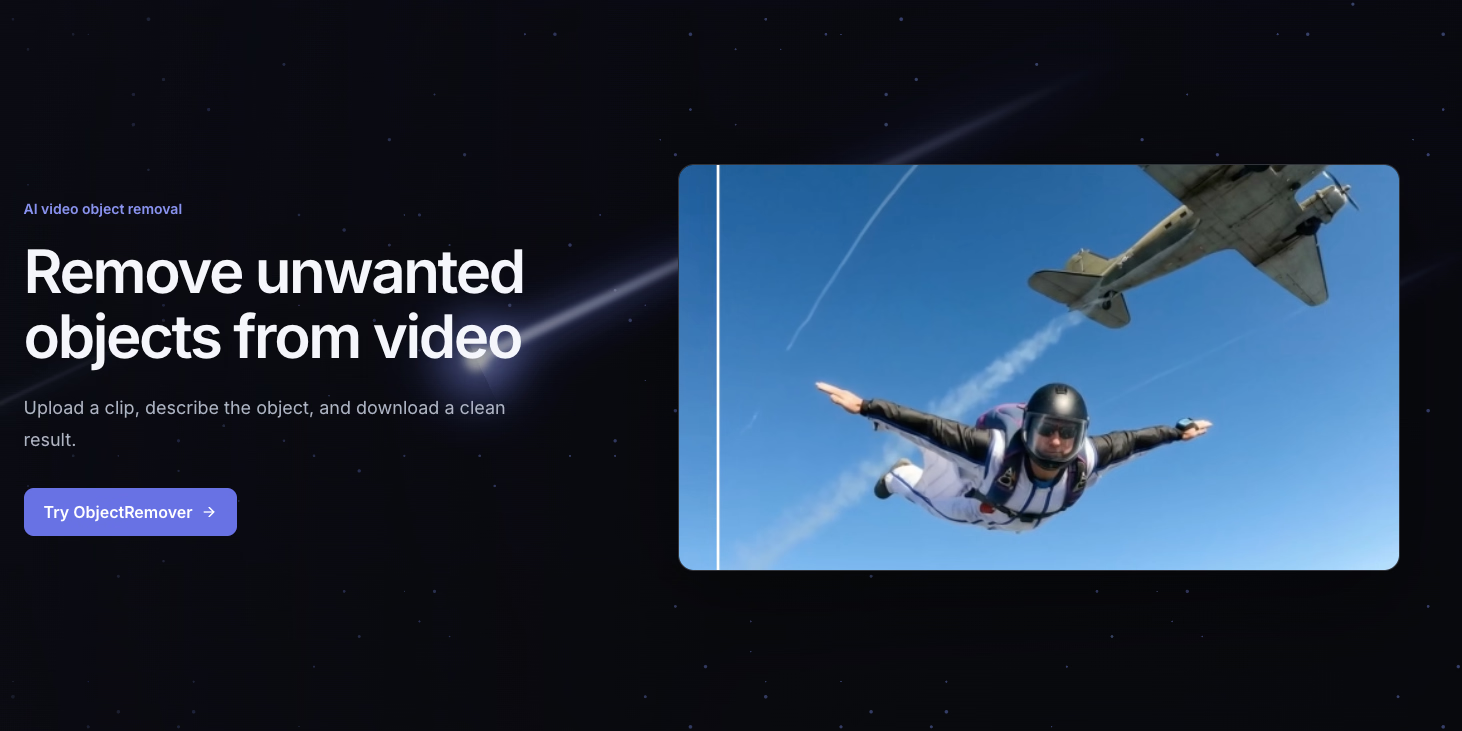
What is ObjectRemover?
ObjectRemover is an online AI-powered video editing tool that removes unwanted elements—people, text, logos, and other objects—directly from MP4 or MOV files. Instead of masking or blurring, it performs true frame-by-frame removal: you upload a clip, describe the target in a short English prompt, and the system identifies that object across consecutive frames, deletes its pixels, and rebuilds the background from surrounding texture and nearby frames. The result is a clean video where the scene stays consistent, and you can review the full output before downloading.
Who it's for
- Social media creators — who need to clean up background passersby, stray shadows, or unwanted text before publishing short-form content.
- Event and tourism videographers — who shoot in crowded locations and want to remove brief walk-ins or distracting elements without reshooting.
- Product and e-commerce teams — who need to clear small objects, logos, or overlays from footage while keeping the original audio and scene intact.
Key features
Frame-by-frame AI removal
The system tracks the target object across every frame, removes it, and reconstructs the covered area using surrounding texture and neighboring frames. This keeps motion continuity intact, so the result looks natural rather than patched.
Prompt-based targeting
You describe the object in one specific English sentence—mentioning color, position, appearance, or motion—and the AI locates it. Short, clear prompts produce the most stable results, and your prompt is sent exactly as written.
Format and quality support
ObjectRemover accepts MP4 and MOV files up to 1080p, 60fps, and 100MB. All subscription plans support the same file-size ceiling, and the free trial lets you process a 3-second, 50MB clip after account verification.
Per-second billing and private storage
One credit equals one billable second, with partial seconds rounding up. Your uploads are stored in private R2 storage, and results are kept for 30–90 days depending on your plan, giving you time to download without pressure.
What stands out
"True frame-by-frame removal, with the surrounding scene kept consistent."
Most online tools blur or crop unwanted objects; ObjectRemover actually rebuilds the background pixel by pixel. That means you can remove a moving person or a logo and still keep the original audio, the camera motion, and the scene's natural texture. The review-before-download workflow is also a practical touch—you can scrub through the result to check edges, shadows, and motion continuity before committing.
Worth checking out if…
You regularly edit short video clips and need to remove one clear, identifiable target—whether it's a tourist walking through a shot, a text overlay, or a small object in a product video. The free 3-second trial is a low-risk way to test the quality, and the per-second pricing means you only pay for what you actually process. If your footage has heavy blur, long occlusion, or the target overlaps the main subject, results may vary—but for clean, stable clips, this tool delivers a genuinely polished output.