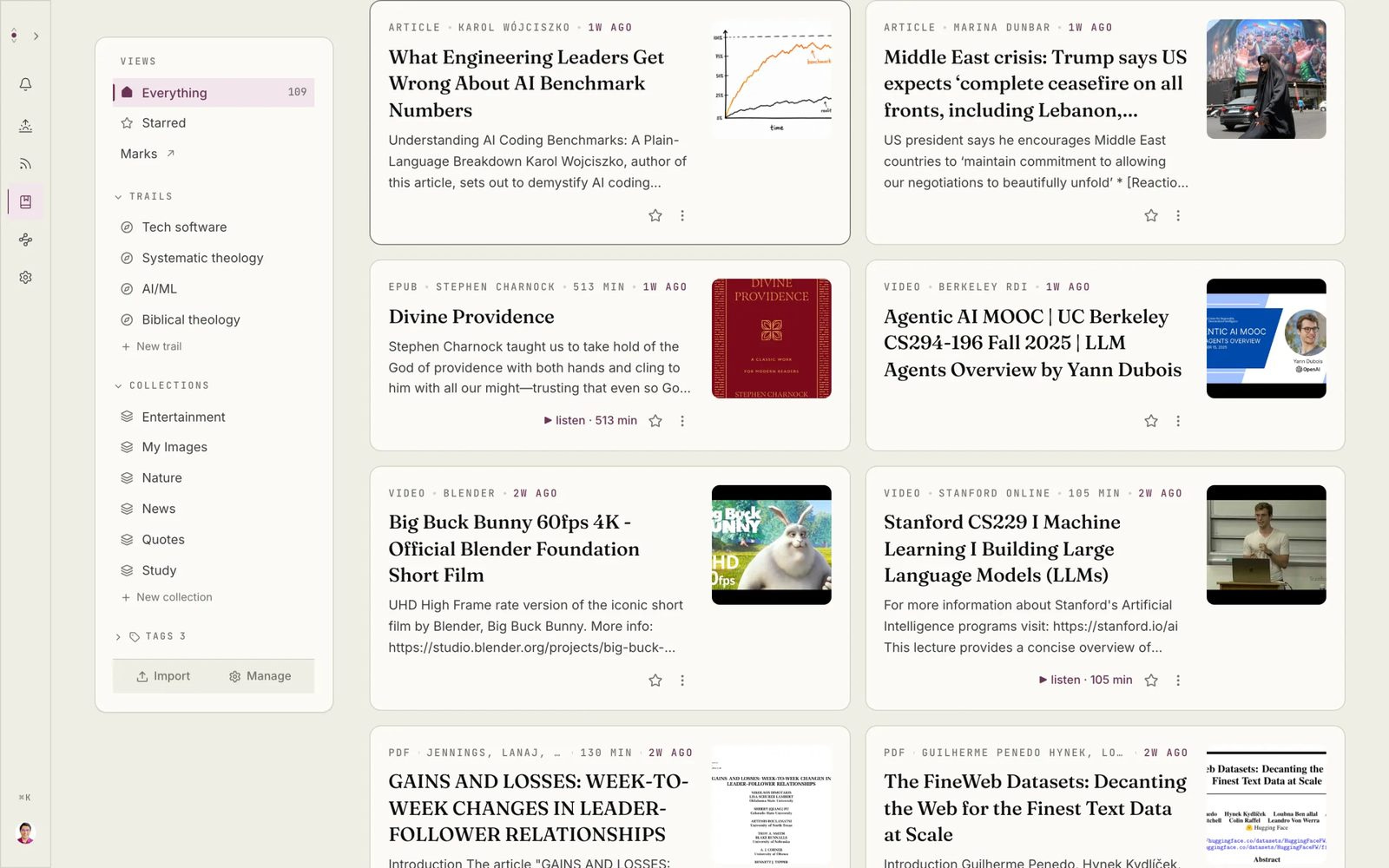
What is Omphalis?
Omphalis is a workspace for understanding — a place to work through difficult papers, investigate a topic across several sources, or return to a question with your notes beside it. You bring in what you're working from: articles, PDFs, podcasts opened as highlightable transcripts, video and YouTube links. Highlight a passage, keep a note beside it about why it mattered, and later browse those notes across sources, each one opening the original at that passage. It runs on the web, macOS, iPhone and Android, with Chrome and Firefox extensions, and there's a free plan.
Who it's for
- Researchers — who need to hold several sources together and trace each conclusion back to the passage it came from.
- Students — who face dense papers and want explanations beside the sentence they're stuck on rather than in another tab.
- Writers, podcasters and pastors — who work from material they must genuinely understand before they can build on it.
Key features
Explanations beside the passage
Select a phrase you don't follow and an explanation opens next to it while the passage stays in view, so you read the two together. A deeper explanation option digs into why a particular choice matters to the author's argument.
Ask across your sources
Put more than one piece in a notebook and ask a single question. The answer says what each source contributes, and numbered markers open the source each point came from — you choose whether it draws on just this piece or everything in your library.
Notes that stay with the words
Highlight a line and write what you mean to do next; the note stays attached to the highlight, and Marks opens the piece at that passage. Your notes are browsable across sources, so earlier work becomes something to build on.
One pipeline for every format
Articles, PDFs, EPUBs, Word docs, podcasts, YouTube, newsletters and your own voice notes all run through the same pipeline. You can subscribe to Substack or any publication with a feed right in your Inbox, alongside your podcasts.
What stands out
Omphalis keeps every question and note attached to the source, so understanding accumulates instead of scattering.
That anchoring is the product's real edge: an answer isn't a floating paragraph but a set of markers pointing into your own material, and a note isn't a separate document but a remark on a specific line. The result is a workspace where you can revisit an unfinished question and find the thinking you'd already done waiting beside the text that prompted it.
Worth checking out if…
You have a long, dense piece you keep postponing, or a question you're researching across several sources and want the answers tied back to where they came from. It suits people who read closely and want their notes to remain connected to the original material. Reading PDFs starts on Pro, which comes with a 14-day trial requiring no card.