
No. 3 of the day
pdfzus
Merge, reorder, and compress PDFs in your browser
No. 3 of the day
Merge, reorder, and compress PDFs in your browser
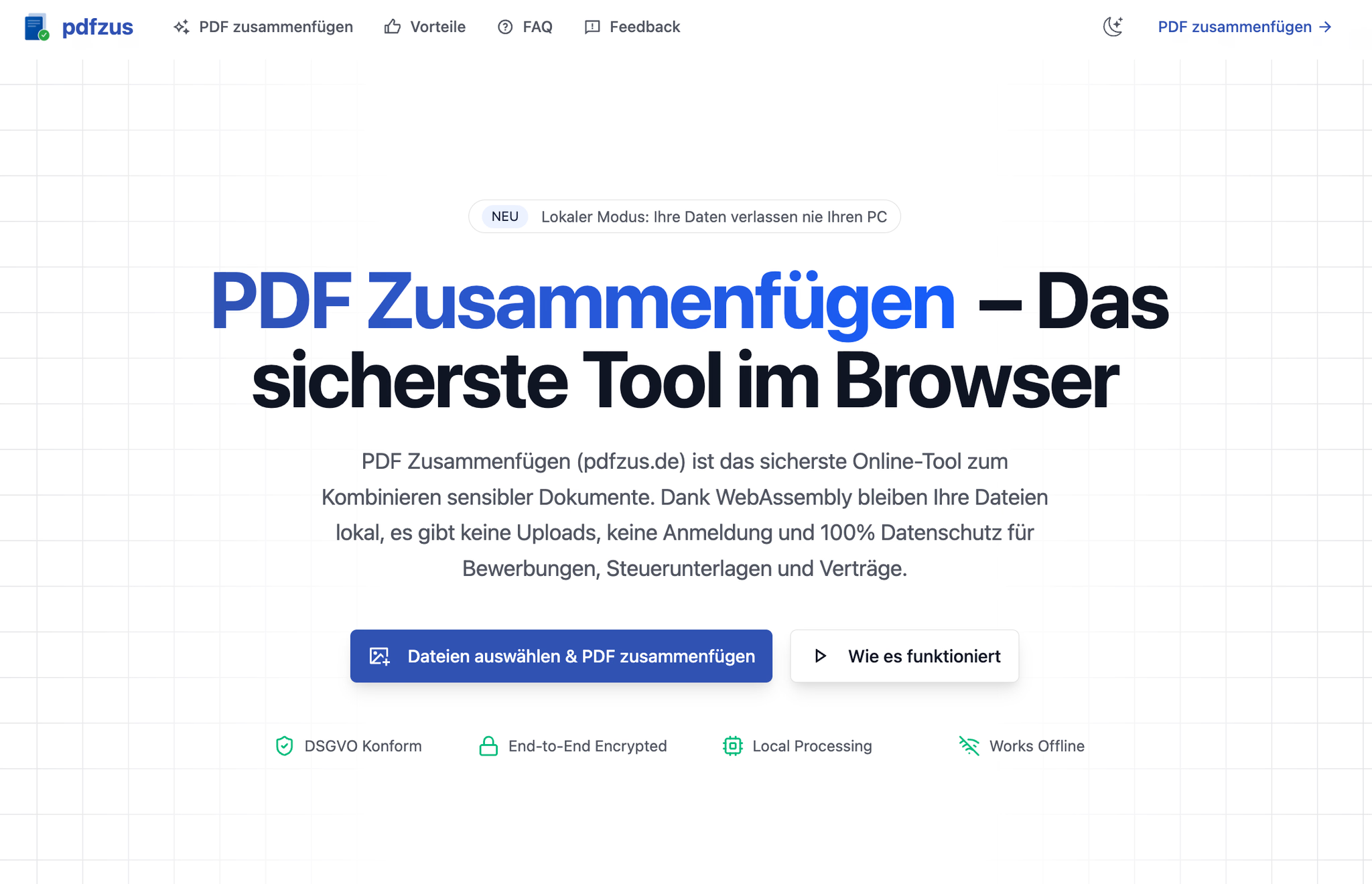
pdfzus is a browser-based PDF utility for merging, reordering, and compressing documents. The core workflow requires no account, adds no watermark, and processes selected files locally on the user's device.
Loading comments...
Maker
pdfzus is a browser-based PDF toolkit focused on merging, reordering, and compressing documents. The core workflow runs entirely in your browser: you drop files into a drag-and-drop zone, arrange them visually, and download the combined result. No account, no watermark, and no server upload — the processing happens locally on your device.
pdfzus loads a pdfcpu module as WebAssembly directly into your browser. Your files are processed in isolated memory on your device — they never leave it. The tool explicitly states: no uploads, no tracking, no cookies.
Before merging, you can arrange pages and files visually. Drag items into the desired order, remove what you don't need, and verify the final sequence before exporting. The preview updates immediately as you sort.
The download works without any user registration, and the output PDF carries no watermark. This makes pdfzus suitable for both personal and professional documents where clean output matters.
pdfzus publicly lists its building blocks — pdfcpu via WebAssembly, pdf-lib for page combination, and react-dropzone for file intake. Public profiles on GitHub and browser stores let you verify how the tool works before trusting it with sensitive files.
Your files never leave your device — privacy by architecture, not by promise.
This isn't just a marketing claim. The tool's technical design makes local processing verifiable: the rendering engine runs as WebAssembly in your browser, the file intake is handled locally, and the infrastructure (German servers, TLS) exists only as an optional fallback for very large batches. For users handling CCPA-, GDPR-, or HIPAA-relevant documents, this architectural choice removes the risk of third-party exposure entirely.
You regularly combine PDFs and care about where your data goes. If you've avoided online PDF tools because of privacy concerns, or if you're tired of watermarks and forced account creation, pdfzus offers a straightforward alternative. It's also worth a look if you want a tool whose technical claims you can actually verify through its public open-source profiles.
Loading comments...
Other tools you might consider
