Voting open · ends in—
Enhance and virtually stage property photos

Improve lighting, color, and clarity for both interior and exterior real estate photos, and generate virtual furniture and decor for empty, unfurnished rooms. Supports up to 10 images per batch, with side-by-side comparison and individual or bundled downloads—ideal for listing marketing and property showcases.
Loading comments...
Maker
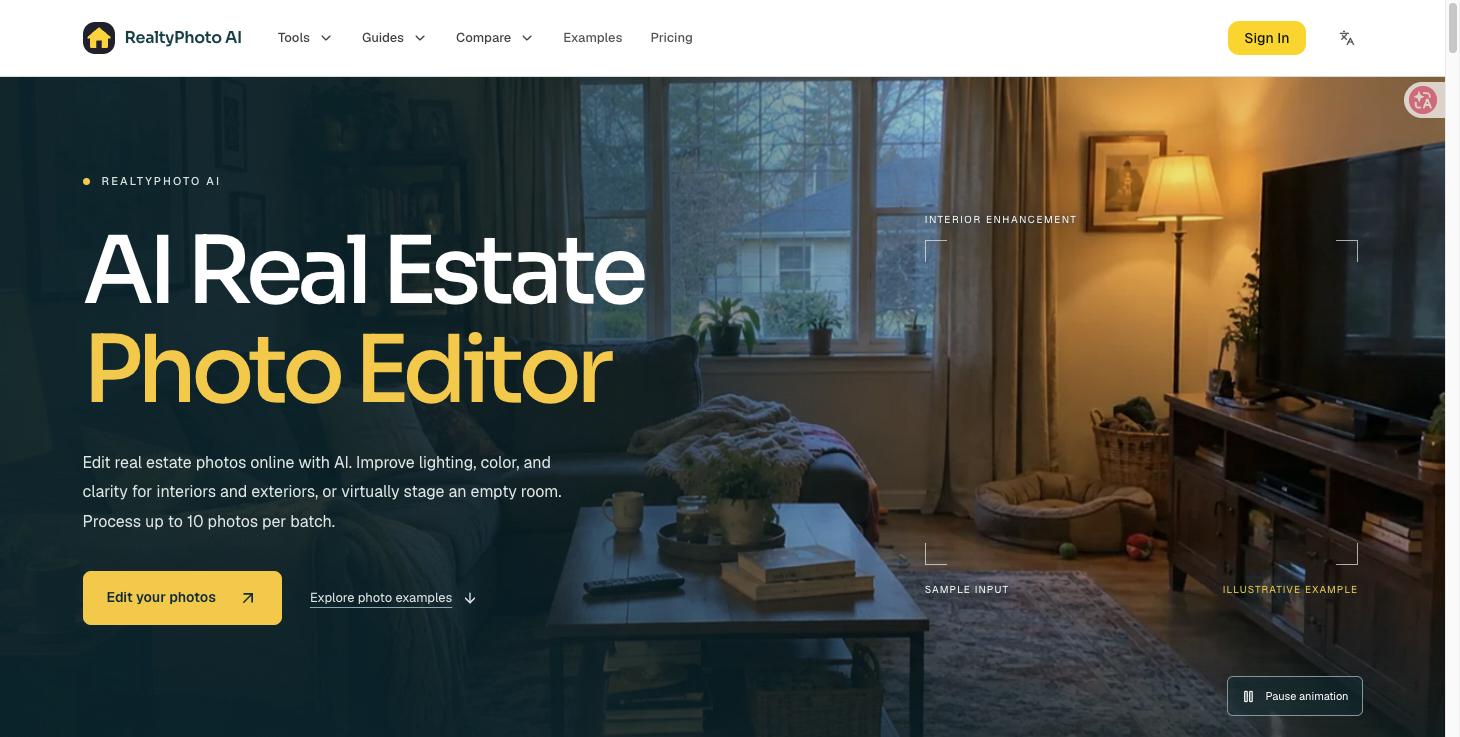
RealtyPhoto AI is an AI real estate photo editor that runs in your browser. It improves lighting, color, and clarity in interior and exterior property photos, and it can virtually stage an empty or substantially unfurnished room with furniture and decor. You choose a mode, upload your images, and review each result before downloading.
The editor is built specifically for property photography rather than general image editing. Interior enhancement aims to balance exposure in dim rooms, reduce unwanted color casts, and sharpen detail while keeping the room true to life. Exterior enhancement focuses on building exposure, color balance, and clarity — it enhances the existing scene rather than replacing skies or redesigning landscaping. Virtual staging adds furnishings to an empty room, using the existing architectural layout as its reference.
Build a batch from your property photos and process up to 10 images together, each with its own processing status and result. One editing mode applies to the whole batch, so you spend less time repeating the same upload steps.
Interior mode improves indoor light, color, clarity, and perspective while keeping the room true to life. Exterior mode brings out building details and balances exterior light and color without redesigning the scene.
Add furniture and decor to an empty or substantially unfurnished room, choosing from six furnishing styles. The existing architectural layout serves as the reference, and a staging batch shares one furnishing style.
Switch between completed results, compare each one side by side with its original, and download images individually or as a ZIP. Your homepage starts fresh when you return, and previous submissions stay available in My photos.
RealtyPhoto AI enhances the property you actually photographed — it doesn't invent a different one.
That restraint is the product's real edge. Interior enhancement is designed to preserve the room's layout and existing furnishings, and exterior enhancement is explicitly not a sky-replacement or landscaping-redesign tool. Virtual staging is framed the same way: an illustration of removable furniture that you review and disclose in your listing, not a substitute for the property's real condition.
You shoot property photos regularly and want a faster, more consistent way to balance lighting and color across a whole listing. It's also worth a look if you have empty rooms that need help showing scale and purpose, or if you handle a mix of residential and commercial spaces and want one editor that covers both. Files are accepted as JPG, PNG, or WebP, up to 20 MB per photo and up to 4096 px on the longest side.
Other tools you might consider
Image Upscaler 4K is a dual-engine AI image upscaling platform. Get fast 4x enlargement in 3 seconds with Recraft Crisp, or use five specialized Topaz AI models for professional-grade results. Try it at imageupscaler4k.com
Photo to Video AI Free is an online AI tool that turns a single photo into a dynamic video. Upload an image, describe the motion you want, and generate an AI video directly in your browser. It is designed for portraits, couple photos, travel pictures, product images, pets, and social media content. Users can control the animation with text prompts and choose different video formats and durations. New users can try the photo-to-video workflow for free, making it easy to test AI-generated motion before purchasing additional credits. No software installation is required.
MS Paint AI Generator is a fun image restyling tool for creators, designers, and content teams. It transforms uploaded images or text prompts into classic MS Paint-style low-fidelity doodle effects. It's perfect for creating memes, retro visuals, social media assets, and lighthearted brand content, turning polished images into creative pictures with a mouse-drawn feel. About MS Paint AI Generator What is MS Paint AI Generator? MS Paint AI Generator is an AI image stylization tool specifically designed to simulate the rough, cute, and slightly clumsy hand-drawn texture of early paint software. Users can upload photos, product images, portraits, or any visual material, and the AI redraws them to look like they were created with a mouse in a paint program. It doesn't aim for photorealism; instead, it turns "imperfection" into a recognizable visual style. Who It's For Social media creators : Need to quickly produce funny, contrasting, and shareable images. Brand operators : Want to add a lighthearted, retro visual style to campaigns, posters, or content. Designers and illustrators : Looking to quickly test low-fidelity, hand-drawn, pixelated, or early computer graphics styles. Meme creators : Need to turn ordinary photos into more exaggerated, funnier memes or community assets. Content teams : Want to generate more memorable visual variations for articles, video thumbnails, or marketing materials. Core Features Image to MS Paint Style Upload a photo or illustration, and the AI preserves the main subject outline and composition while redrawing details with thick lines, low precision, and a mouse-drawn paint software effect. It's great for creating contrast, making serious images feel light and fun. Prompt-Driven Doodle Generation Besides uploading images, you can also generate MS Paint-style images from text descriptions. Input a character, scene, action, or mood, and the AI transforms it into a simple, intuitive visual result with an early computer graphics feel. Perfect for Memes and Social Content The MS Paint style naturally carries a sense of humor and nostalgia. Whether you're making memes, community graphics, short video thumbnails, or adding a bit of "playful" visual interest to social posts, you can quickly produce usable assets. Low-Fidelity Visual Experimentation For designers and creative teams, this tool helps quickly test rough lines, simple color blocks, and low-fidelity visual language. It lets you get direction sketches close to hand-drawn doodles without manual drawing. Key Highlight "Redraw any image to look like it was drawn with a mouse in MS Paint." This sentence captures the core appeal of MS Paint AI Generator: it deliberately avoids polish, turning roughness, clumsiness, and retro vibes into creative expression. While many AI image tools strive for more realism and higher resolution, this tool helps users generate images that are funnier, lighter, and more memorable. Worth a Try If You... Want to quickly turn ordinary photos, product images, or character art into a retro paint software style; or you need a lighthearted visual effect for memes, social media, brand campaigns, or creative testing. MS Paint AI Generator is for creators who don't want perfection but want their images to have more personality and be more noticeable.
Prompt to Comic is an AI comic generation tool designed for creators. It can quickly transform a story idea, character setting, book excerpt, or web summary into comic storyboard sketches. Simply input a prompt, and the AI will understand the scene, characters, emotions, and visual rhythm, generating a comic visual direction suitable for further expansion, revision, or publication. Core Features - **Text-to-Comic Generation:** Input a story synopsis, character setting, or marketing idea to generate comic-style visual directions and storyboard inspiration. - **Multi-Scenario Creation:** Suitable for short comics, social media series, brand stories, educational content, product instructions, and creative proposals. - **Character & Emotion Expression:** Helps you translate character relationships, actions, expressions, and atmosphere into more intuitive visual narratives. - **Prompt Workflow:** Uses reusable prompt structures to organize scattered ideas into iterable comic creation plans. - **Quick Creative Start:** No drawing experience needed. You can first obtain a clear comic concept to communicate with designers, illustrators, or content teams. About Prompt to Comic **What is Prompt to Comic?** Prompt to Comic is an AI-based comic idea generator that specifically helps users build comic content from text. It reads your prompts, extracts the characters, scenes, conflicts, and visual focal points, and then transforms them into visual directions more suitable for comic expression. For those who don't yet have a complete script or storyboard, it turns initial ideas into creative drafts that can be discussed, modified, and further developed. **Who is it for?** - **Content Creators:** Need to quickly generate comic themes and storyboard inspiration for social media, short series, or creative accounts. - **Writers & Novelists:** Want to transform text passages, character relationships, or key scenes into more intuitive visual expressions. - **Marketing Teams:** Want to tell product stories, campaign concepts, or brand scenarios in comic form without starting from a blank canvas. - **Educators & Knowledge Bloggers:** Need to adapt abstract knowledge, step-by-step instructions, or case studies into easier-to-understand comic content. - **Beginner Creators:** Have no drawing skills but want to quickly test if a comic idea is interesting and worth developing further. Core Features **From Prompt to Comic Idea** The platform is designed around a prompt workflow. You can input a simple idea or a more complete story excerpt. The AI helps deconstruct the characters, actions, background, and emotions within the scene, making the text content easier to turn into comic storyboards. **Supports Stories, Web Summaries, and Book Excerpts** Prompt to Comic is not only suitable for original stories but also for transforming web content, reading notes, teaching materials, or product instructions into comic form. It helps you find the narrative focus, turning information from long blocks of text into visual content that is easier to share. **Reusable Creative Directions** The generated results can serve as a starting point for comic scripts, illustration briefs, social media content plans, or AI image generation prompts. You can continuously adjust characters, styles, shots, and narrative rhythm to gradually refine it into a complete work. **Visual Drafts Suitable for Team Communication** For content teams, brands, or designers, Prompt to Comic can reduce communication costs. Compared to just describing "I want to make a comic," it provides more specific scenes, characters, and visual directions, allowing subsequent creation to move into the execution phase faster. Highlight **"Turn a single idea into a comic storyboard direction you can continue to develop."** This sentence summarizes the core value of Prompt to Comic: It doesn't complete all the creation for you, but helps you overcome the most difficult first step. Many comic projects get stuck at the beginning because creators don't know how to translate text into visuals. Prompt to Comic uses AI to organize prompts into visual narratives, allowing ideas to land faster and providing direction for subsequent drawing, rewriting, or image generation. Worth a try if you... Want to turn stories, knowledge content, or marketing ideas into comic form but don't want to start from a blank document; or if you need a tool to organize prompts into clear characters, scenes, and storyboard directions in minutes. Whether you are working on social media comics, brand content, educational graphics, or preparing prompts for AI image generation, Prompt to Comic can help you get your creative start faster.

Loading comments...