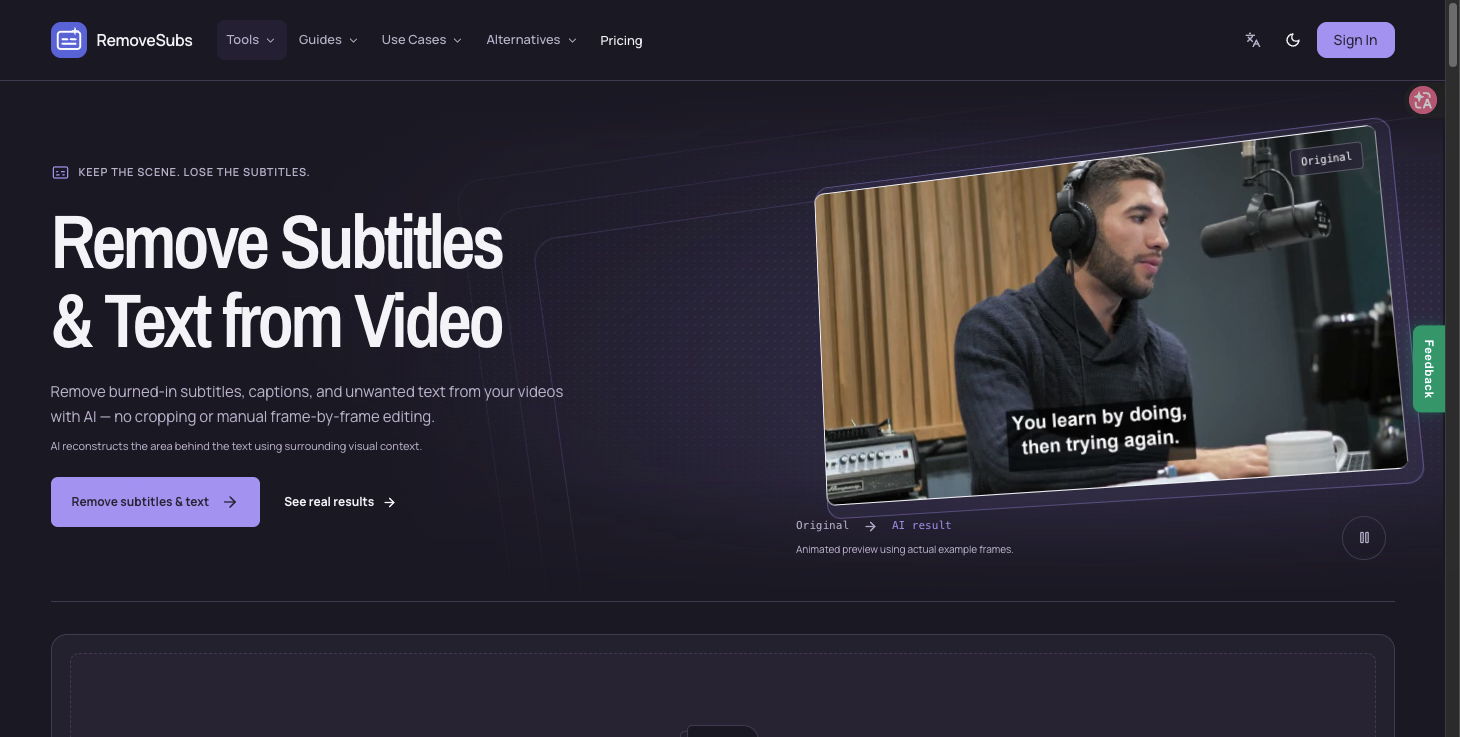
What is RemoveSubs?
RemoveSubs is an AI-powered video cleanup tool that removes visible text from footage — burned-in subtitles, hardcoded captions, social media captions, text overlays, timestamps, labels, titles, and lower thirds. Rather than cropping the frame or asking you to edit frame by frame, it detects visible text and reconstructs the area behind it using the surrounding visual context, so the original framing stays intact. It works with MP4, MOV, and WebM files.
Who it's for
- Podcast and interview editors — clear burned-in subtitles before adding a new language or an updated transcript.
- Short-form creators — strip old captions from vertical talking-head clips before applying a fresh caption style.
- Tutorial and demo producers — remove outdated on-screen instructions so a new edit can be prepared.
Key features
AI text removal without cropping
RemoveSubs detects visible text in your video and rebuilds the covered area from surrounding visual context. The original framing is preserved instead of being cut away.
Broad visible-text coverage
The tool targets burned-in and hardcoded subtitles along with captions, overlays, timestamps, labels, titles, and lower thirds. Automatic processing may also affect other visible text in the frame.
Simple three-step workflow
Upload a clip, let the AI process it, then preview and download the cleaned result. You can compare the original and AI output side by side before committing.
File format support
MP4, MOV, and WebM files are accepted, covering the formats most commonly used for short videos, interviews, and tutorials.
What stands out
Keep the scene. Lose the subtitles.
That promise is the core of the product: instead of sacrificing part of the picture to cropping, RemoveSubs estimates what sits behind the text and rebuilds it. The approach keeps composition and framing untouched, which matters when a clip is being repurposed rather than reshot. It's a practical middle ground between losing the edges of your frame and manually repairing every frame.
Worth checking out if…
You have footage with burned-in subtitles or overlays that you want to reuse with new captions, a new language, or an updated edit. It's also worth a look if cropping isn't an option because the text sits over important parts of the scene. Just preview the full result first — large text, fast motion, faces, detailed textures, and camera movement can leave blur, flicker, or invented detail, since reconstructed pixels are an AI estimate rather than a true recovery of the hidden scene.