What is Screen Issues?
Screen Issues is a free online screen testing tool paired with a library of expert repair guides. It helps you diagnose common display problems — dead pixels, white spots, black lines, green lines, flickering, and burn-in — directly in your browser. No app installation is required, and the tool works across laptops, monitors, tablets, and phones.
The core idea is simple: run the test, check each color one by one, and identify screen issues before deciding what to do next. Alongside the diagnostic tool, Screen Issues offers step-by-step repair guides covering 15+ screen problems, written by display repair specialists.
Who it's for
- Everyday device owners — anyone who spots a strange dot, line, or glow on their screen and wants to know whether it's serious.
- Laptop and monitor users — people checking for dead pixels, backlight bleed, or color uniformity problems before or after a purchase.
- Phone and tablet owners — users diagnosing white spots, pressure damage, or burn-in on mobile displays.
Key features
Free Diagnostic Tool
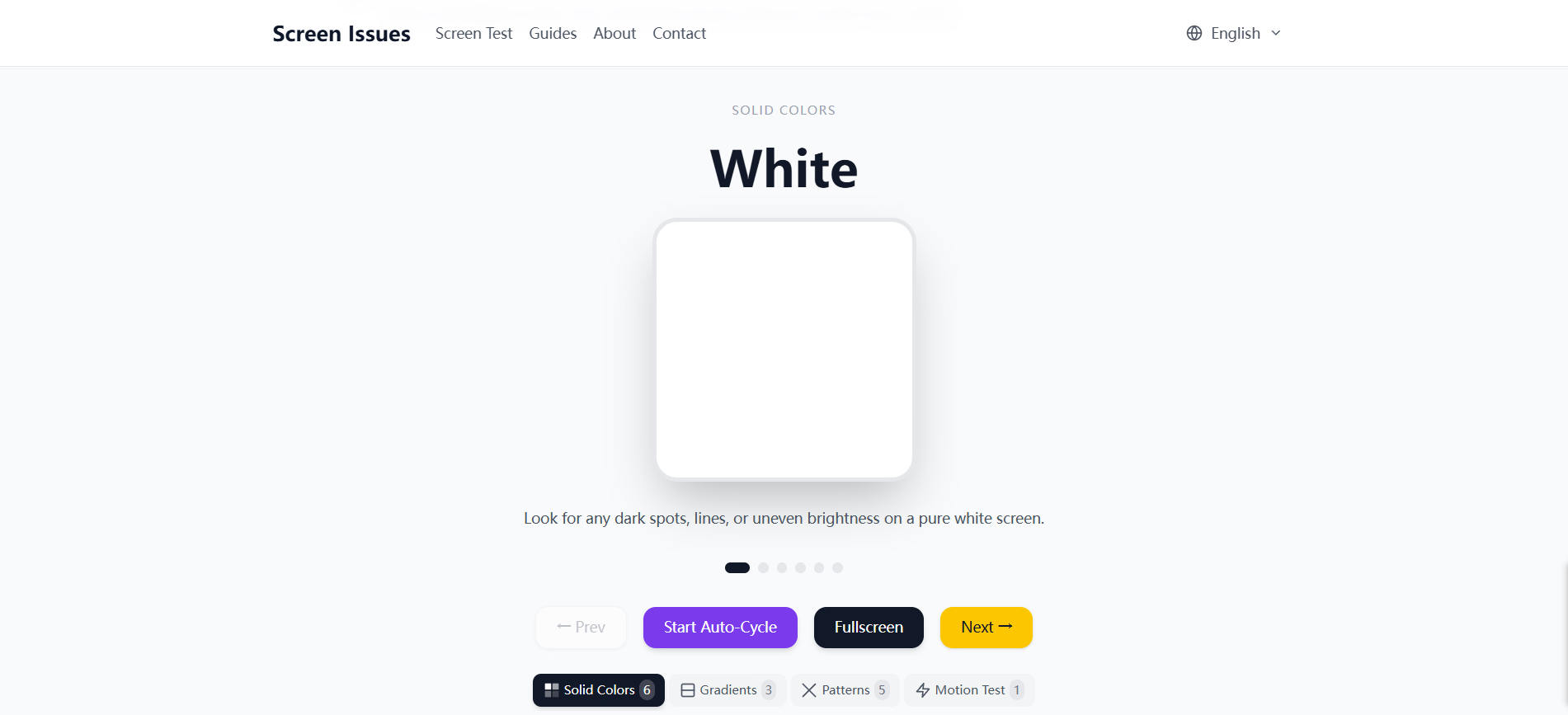
The browser-based test cycles through pure colors so you can inspect your display for dead pixels, bright spots, backlight bleed, and color uniformity. It runs in seconds and needs no installation.
Expert Repair Guides
Step-by-step guides cover 15+ screen issues, from dead pixel lines and white spots to pressure damage and bright spots on monitors. Each guide explains causes, testing methods, and realistic fix options.
Multi-Language Support
The guides, tools, and interface are fully localized in English, German, and Spanish. You can work through a diagnosis in whichever language you prefer.
Works on Any Device
The tool supports laptops, monitors, tablets, and phones, and works with every major brand. Because it runs in the browser, there's nothing to download or install.
What stands out
Run the test, check each color one by one, and identify screen issues.
That single instruction captures the product's real strength: it turns a vague worry ("is that a dead pixel or just dust?") into a structured, color-by-color check anyone can follow. The combination of a free diagnostic tool with genuinely detailed repair guides means you're not left guessing after the test finishes. It's a practical first stop before considering a repair or replacement.
Worth checking out if…
You've noticed a dark dot, a bright spot, a colored line, or flickering on any screen and want a clear answer about what it is. It's also useful if you're buying a used laptop, monitor, or phone and want to test the display before committing. And if you prefer to troubleshoot in German or Spanish rather than English, the localized guides make the process easier to follow.