
Screenhance turns images and recordings into polished mockups, App Store visuals, launch assets, and product videos — no design skills needed.
Loading comments…
Project Info
Product Keywords
Screenhance is an online editor that transforms raw screenshots, images, and screen recordings into polished product visuals — device mockups, App Store and Google Play screenshot sets, Product Hunt galleries, website graphics, social cards, and even animated motion content. Instead of juggling Figma, Photoshop, or video tools, you work in one browser-based workspace where every layer stays editable from first upload to final export.
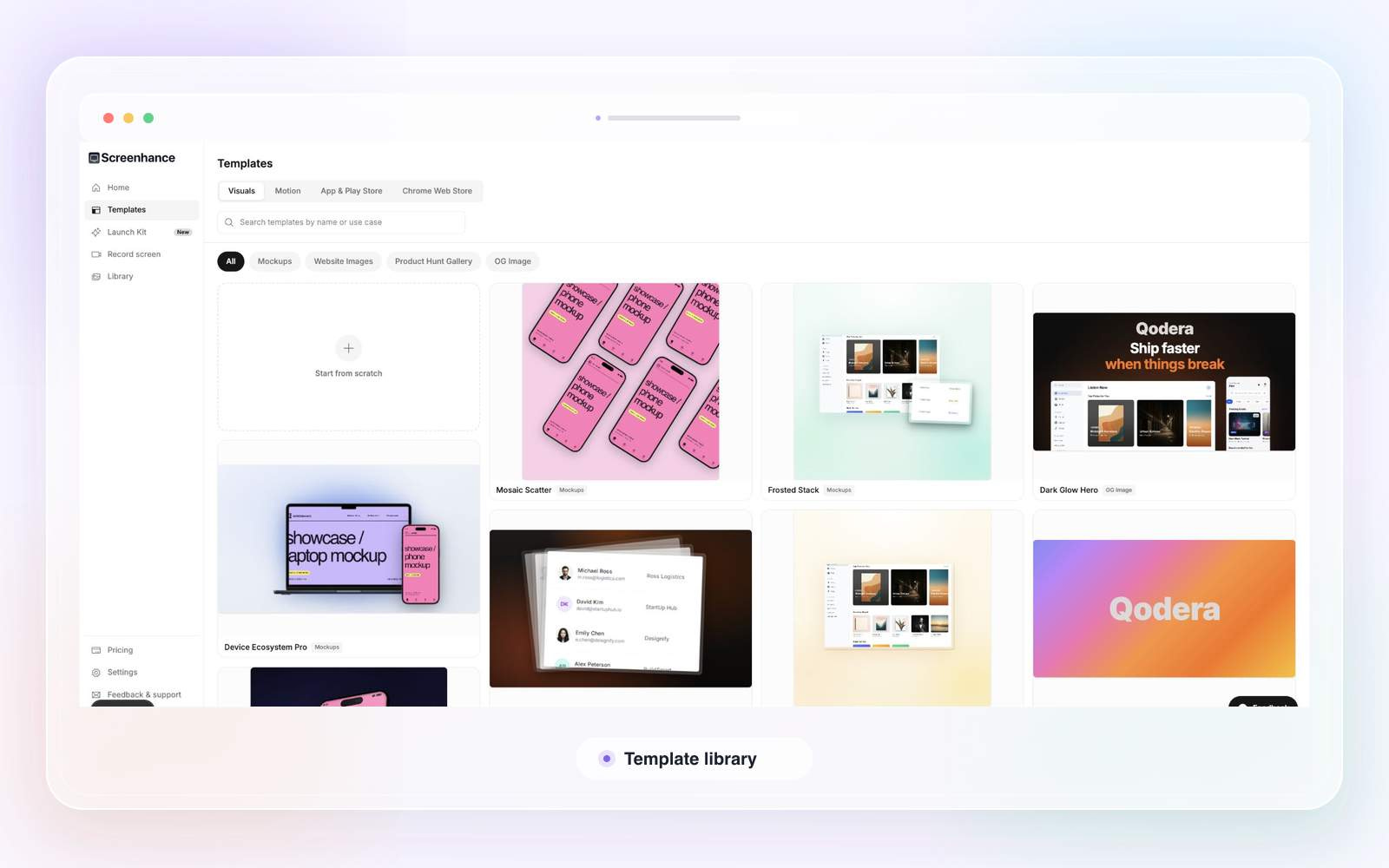
Browse purpose-built templates for device mockups, motion scenes, store screenshot sets, Product Hunt images (1270×760), OG social cards (1200×630), and website hero visuals. Each template is designed for its specific destination, so you don't have to guess dimensions or composition.
Start with an animated template, drop in your screenshots, and adjust timing, movement, copy, and frame — all in the same editor. Export as GIF or WebM for product demos, social posts, or website hero sections that feel alive.
Upload a single screenshot or recording, then reuse it across website, store, launch, and video contexts. Type, color, framing, and depth stay consistent because you're working from one source with reusable presets and brand styles.
Export PNG, WebP, JPEG, GIF, and WebM at up to 3× resolution. Screenhance Studio records your screen for product demos — free plans capture up to 5 minutes, while Pro extends to 45-minute recordings with clean MP4 export and 1 GB of video saves.
"Every layer stays editable — start fast, then adjust every part of the composition."
That's the core promise: you're never locked into a template. Pick a starting point, upload your real product, then refine backgrounds, perspective, depth, copy, and timing until it's exactly right. The three-step flow — add the product, choose the story, edit and export — makes the tool approachable for non-designers, while the depth of control keeps it useful for those who care about polish. And with a free tier that includes 3 exports monthly, you can explore the full creative system before paying anything.
You're preparing a product launch and need coordinated visuals across app stores, Product Hunt, social media, and your website — and you'd rather spend an afternoon shipping than a week learning design tools. It's also a strong fit if you release updates regularly and want a repeatable system that keeps your store screenshots and marketing graphics consistent. The one-time $6 Launch Pass covers a focused launch week with 10 watermark-free image exports, making it a low-commitment option for a single product debut.
Other tools you might consider

Add beautiful backgrounds, realistic frames, stickers, annotations, and more to your screenshots with an easy to use editor. Create eye-catching visuals that grab attention, boost engagement, and make your posts, products, and content stand out instantly.

Senior Designers shouldn't be manually-resizing assets ready to run or being aware of TikTok safe zones. PixFit turns 1 key visual into every ad format — brand-perfect, platform-specific, ready to ship.

Alai captures every little detail about your brand in a design system. Use it to create presentations, social assets, ads, or any canvas size, all perfectly on-brand. Make precise edits manually or with AI. And choose your own AI models to balance cost, quality, and latency.

Use this shoes poster generator to turn campaign seeds into AI footwear poster concepts, shoe shop layouts, and reusable background directions. It helps creators explore product ads, campaign visuals, and polished poster ideas quickly.
Maker
Loading comments…
