Voting open · ends in—
SliceDraw
Free Online Drawing & Image Canvas — Draw, Annotate, Slice
Voting open · ends in—
Free Online Drawing & Image Canvas — Draw, Annotate, Slice
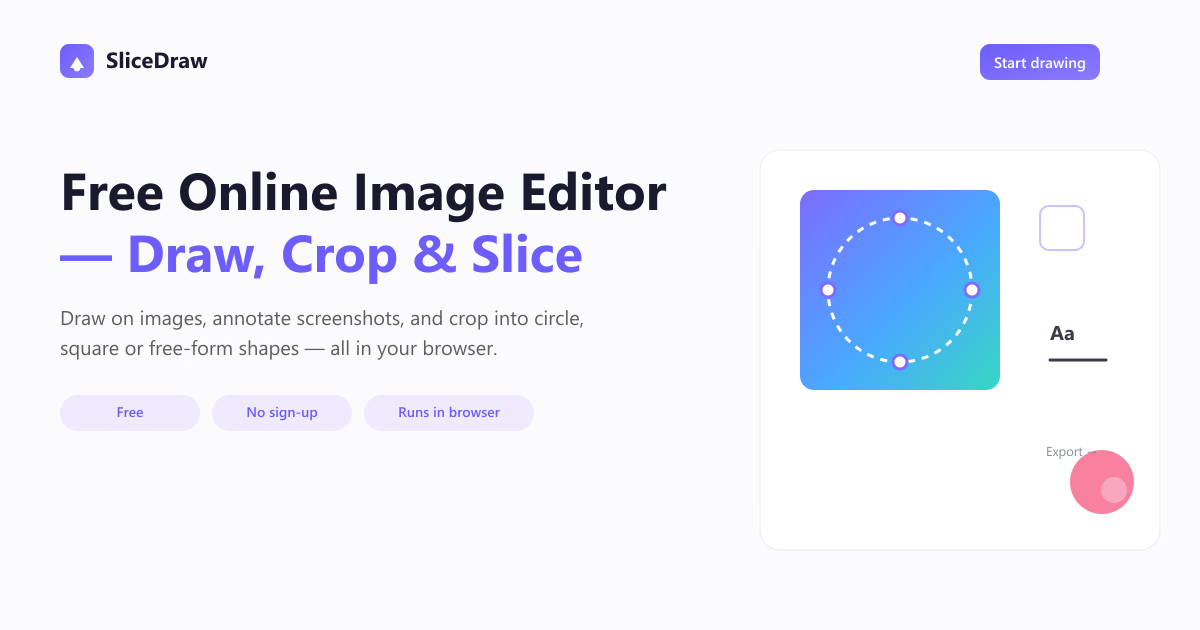
Draw, annotate and create on a free browser-based canvas. Sketch ideas, mark up screenshots, build diagrams, and crop or slice images — no sign-up, no upload, fully private.
Loading comments...

Maker
SliceDraw is a free, browser-based canvas tool for drawing, annotating, and editing images — no sign-up, no upload, and no watermark. You can open a blank canvas or drop in an image, then sketch ideas, add arrows and text, build diagrams, or crop and slice images into clean exports. Everything runs 100% client-side, meaning your files never leave your device.
SliceDraw performs all cropping, drawing, and exporting directly in your browser. No files are uploaded to any server, and there is no tracking of your images — your content stays on your device from start to finish.
Every tool is free to use with no account required and no watermark on downloads. You can open the editor instantly and start working, whether you're on a desktop or a mobile browser.
A growing collection of tools covers circle, square, and free-form cropping, plus image slicing. You can cut images into precise pieces and export transparent PNGs in one click.
Beyond cropping, SliceDraw lets you draw freehand, add arrows and text, and build diagrams with vector shapes. It's a versatile canvas for both visual notes and structured layouts.
Your images never leave your device — no uploads, no servers, no tracking.
That privacy promise is the core edge. Most free online image tools require uploading files to a remote server, which creates a barrier for sensitive work. SliceDraw eliminates that concern entirely by running on open web standards like the HTML Canvas API, so processing is instant and offline-friendly. Combined with zero sign-up friction and clean, watermark-free exports, it's a rare combination of privacy and convenience in one tool.
You need a quick, private way to annotate screenshots, slice images for layouts, or sketch ideas without committing to desktop software or trusting a cloud service. It's especially useful if you frequently work across different devices and want a tool that just works in any modern browser — no installation, no account, no waiting.
Loading comments...
Other tools you might consider


