What is T-Checker?
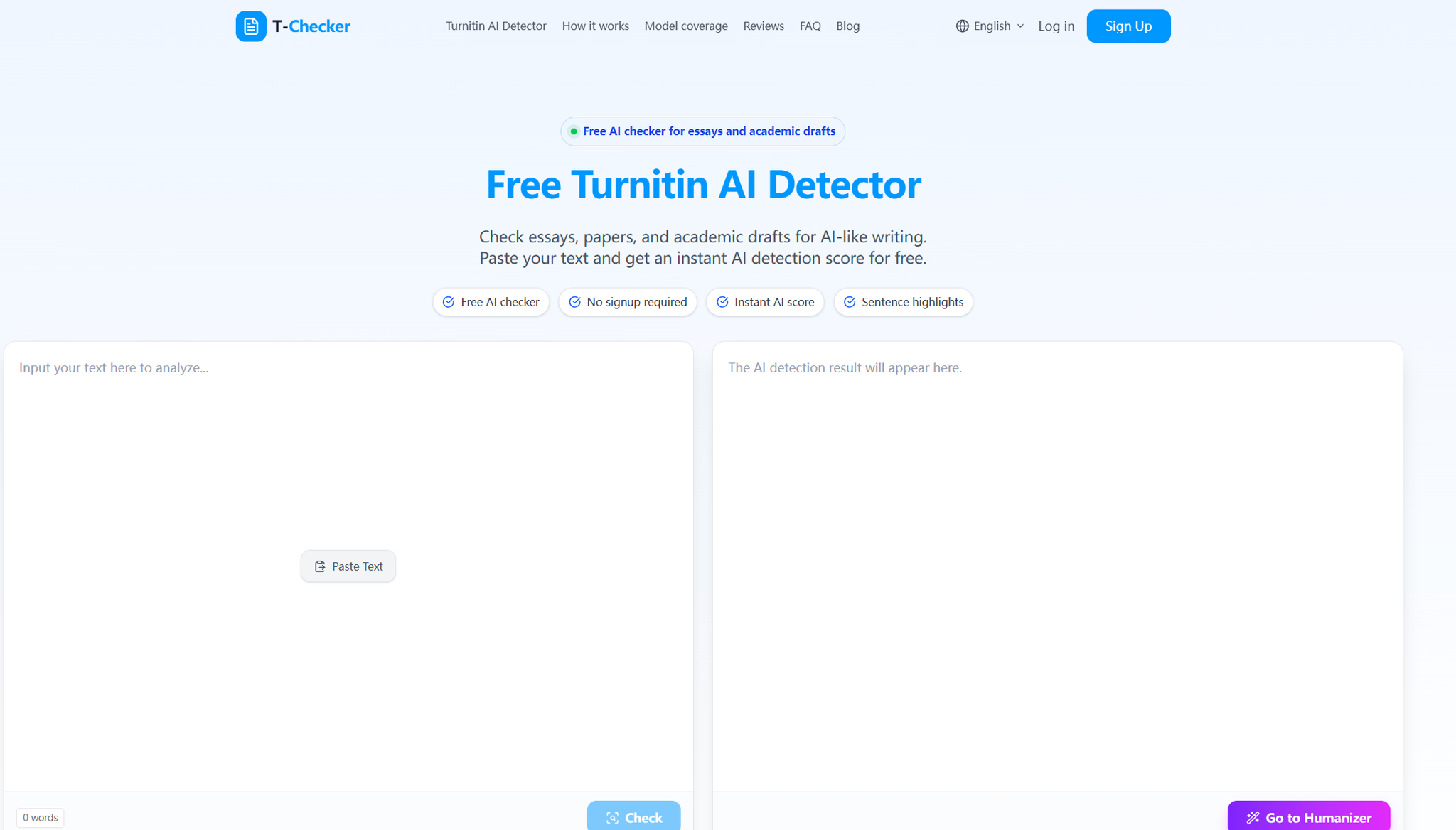
T-Checker is a free, browser-based AI writing checker built for essays and academic drafts. Paste in your text and it returns an instant AI detection score, a risk level, and sentence-level highlights — no signup, no setup, no complicated workflow. It's designed as a pre-submission review tool: a way to see whether a draft reads as AI-like before it reaches a teacher, reviewer, or application committee.
The checker analyzes writing patterns such as sentence rhythm, repeated phrasing, predictable structure, and an overly polished academic tone. Results are framed as a review signal rather than a verdict, so you can use the score to decide where a draft needs more human reasoning.
Who it's for
- Students finishing essays and assignments — check school essays, college papers, and short assignments before turning them in.
- Writers working on longer academic sections — review paragraphs, literature reviews, and academic explanations for AI-like patterns.
- Applicants and discussion posters — scan discussion posts, reports, reflections, statements, and scholarship drafts in seconds.
Key features
Instant AI score with risk level
T-Checker returns an AI probability score alongside a risk level, so you get a quick read on how AI-like your draft appears. The score is presented as a writing review signal, not a final judgment.
Sentence-level highlights
Instead of flagging a whole document, the checker highlights the specific sentences that may sound too predictable, robotic, or AI-generated. That makes revision more targeted and less guesswork.
Essay-focused review cues
The tool is tuned for academic writing — essays, papers, research sections, assignments, and discussion posts. It looks at patterns like repetitive sentence structure, generic phrasing, mechanical transitions, and low writing variation.
No signup, browser-based results
You can paste text and run a check in a few clicks, with the result appearing instantly in the browser. There's no account creation step standing between you and a first review.
What stands out
T-Checker turns an AI detection score into a revision map — not just a number, but the exact sentences worth rewriting.
That sentence-level focus is what separates it from a bare percentage. A score tells you something might be wrong; highlighted sentences tell you where to start. Combined with the score bands — from mostly human-like through very strong AI-like signals — you get a rough sense of how much revision a draft may need.
Worth checking out if…
You want a fast, free way to review an academic draft for AI-like writing before you submit it. It's especially useful if you've used AI tools for brainstorming, outlining, editing, or grammar support and want to confirm the final text still sounds like you. If you'd rather see which specific sentences are raising flags than receive a single opaque score, T-Checker's sentence highlights and essay-oriented cues are aimed squarely at that.