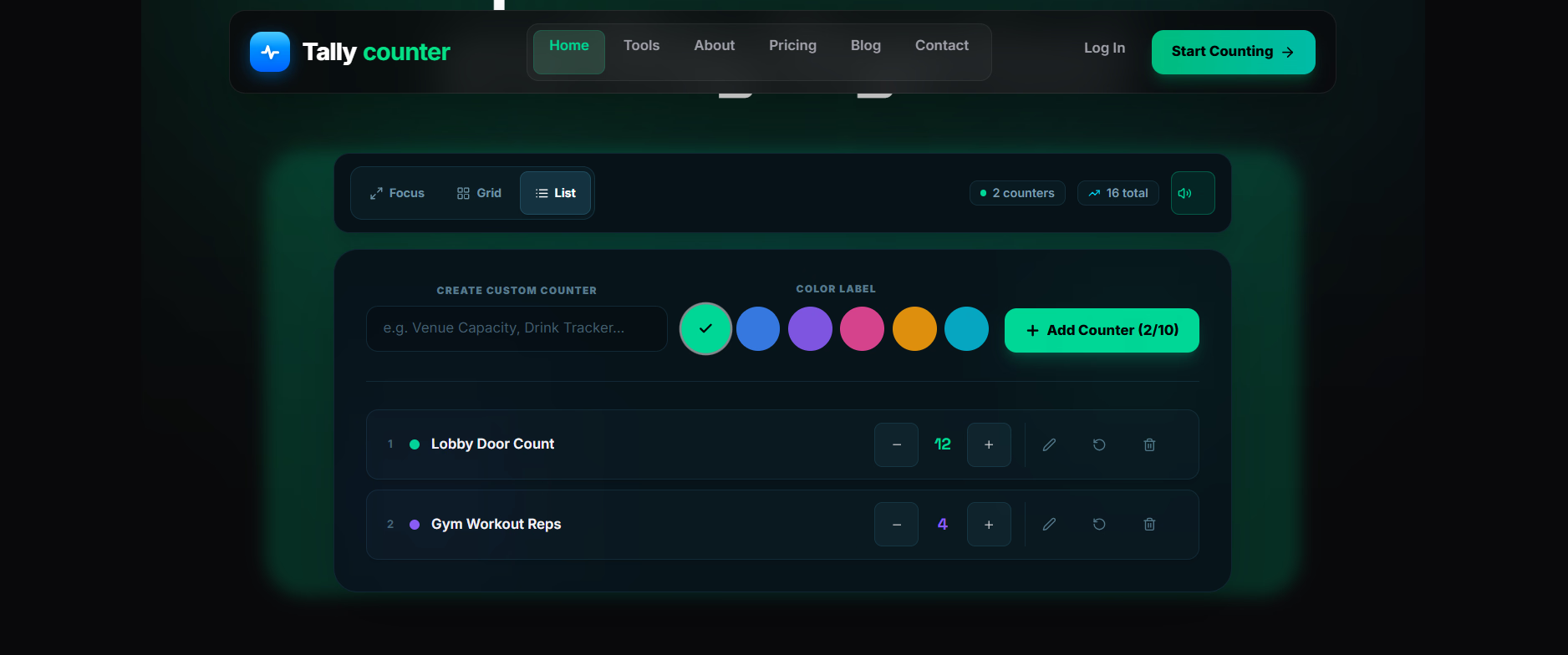
What is Tally Counter?
Tally Counter is a modern online digital counting and tracking tool built for anyone who needs to keep a running total without pen and paper. Instead of making a new mark each time something happens, you tap or click to add a count, and your progress is saved automatically so you can pick up right where you left off.
It works across supported devices, so a count started on one screen can be continued on another, and it supports shared counters for teams who need to work from the same numbers. From attendance and inventory checks to workouts, sports scores, habits, classroom activities, events, and tasbeeh, Tally Counter turns everyday counting into something simple and organized.
Who it's for
- Individuals tracking personal routines — habits, workouts, repetitions, or daily recitations where a running total matters.
- Businesses monitoring day-to-day numbers — visitors, stock checks, attendance, or items counted at different points.
- Teams collaborating on shared counts — groups that need one source of truth instead of separate, conflicting tallies.
Key features
Multiple counters with categories and colors
Create a separate counter for each item, group, or activity, and give each one a clear name so you always know what its number represents. Colors help you tell counters apart at a glance, and you can reset one without affecting the others.
Automatic saving and multi-device access
Your counts are saved as you work, so refreshing the page or returning later doesn't send you back to zero. Real-time synchronization helps keep data accessible across supported devices, making it convenient to continue counting from wherever you are.
Shared counters and team collaboration
Invite team members to work on the same counter and choose access levels for who can view or edit. This keeps everyone working from the same information rather than maintaining separate numbers.
Activity tracking and data export
Activity tracking keeps team actions visible, and counts can be exported to CSV or Excel when you need the data elsewhere. Premium plans add more counters, advanced analytics, collaboration, automation, and extended history.
What stands out
A tally counter that saves itself, syncs across devices, and lets your whole team count from the same number.
That combination is what separates it from a basic clicker. The automatic saving removes the risk of losing a long count, while shared counters and access roles turn a personal tool into something a team can rely on. Add CSV and Excel export, and the numbers you collect stay useful beyond the moment you count them.
Worth checking out if…
You want a free, straightforward way to track multiple counts without installing anything, or you're tired of losing tallies written on scraps of paper. It's also worth a look if your counting involves more than one person and you need shared visibility, controlled access, and a record of who did what. And if you already count regularly — for work, fitness, events, or personal habits — the premium tier's extra counters, analytics, and extended history may be the difference between a quick tool and a long-term tracking system.