What is Turnitin Report?
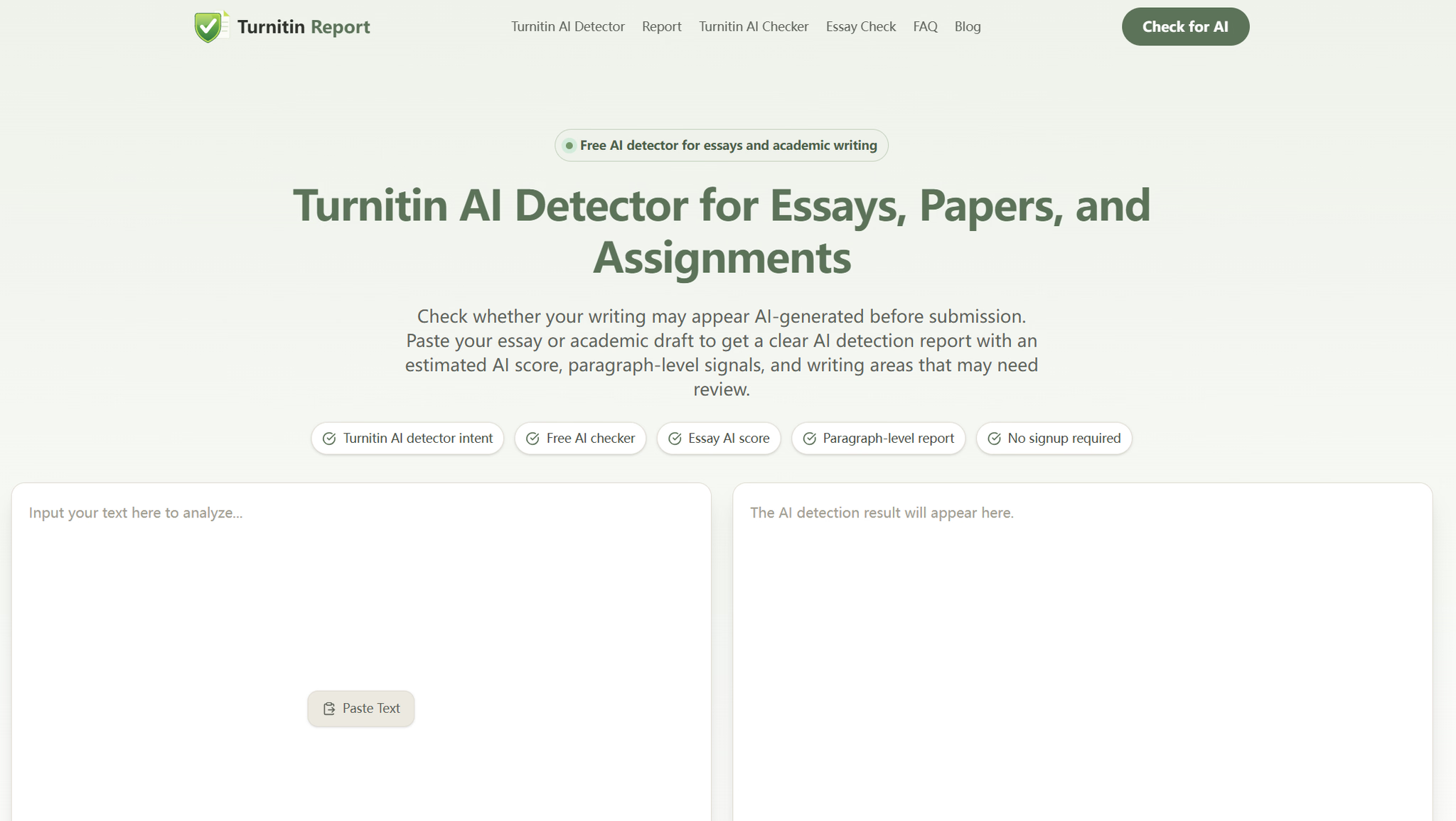
Turnitin Report is a free academic AI writing checker built for anyone who needs to review essays, papers, and assignments for AI-like writing signals before submission. Paste in a draft and it returns a clear detection report rather than a single opaque number — combining an estimated AI score, paragraph-level signals, risk labels, and practical review suggestions. It's designed for student self-review and academic writing revision, and you can get started in a few clicks with no complicated setup and no signup required.
Who it's for
- Students submitting academic work — check essays, papers, and assignments for AI-like patterns before handing them in.
- Writers revising drafts — spot paragraphs that sound generic, repetitive, or overly formal and tighten them up.
- Anyone who used AI to polish text — verify whether an AI-assisted draft now reads as too machine-like.
Key features
Estimated AI Score
Get an estimated AI score showing how strongly your text matches common AI-writing patterns. It's a review signal rather than a final judgment, so a higher score simply means more patterns commonly associated with AI-generated or AI-assisted writing are present.
Paragraph-Level Report
Instead of relying on one overall percentage, the report shows which paragraphs may contain more AI-like signals. Short notes flag sections that sound generic, repetitive, overly formal, or machine-like, so you know where to look first.
Risk Labels
Results come with a simple risk level — low, medium, high, or very high — making the outcome easier to interpret at a glance before submission.
Review Suggestions
See whether your writing needs clearer examples, stronger reasoning, or more natural variation. The suggestions point toward concrete revision directions rather than just a score.
What stands out
Many AI detectors only return a number — Turnitin Report returns a report you can actually act on.
That distinction matters for academic writing, where knowing where a draft reads as AI-like is far more useful than knowing how much. The paragraph notes and risk labels turn a vague percentage into a revision roadmap, highlighting predictable sentence flow, repeated paragraph structure, generic academic language, low specific detail, mechanical transitions, and an overly clean tone. Because it's free and needs no signup, it works as a quick pre-submission sanity check rather than a commitment.
Worth checking out if…
You want a fast, no-signup way to review academic drafts for AI-like writing signals before submission. It's especially useful if you've edited AI-assisted text and want to confirm the final version still sounds natural, or if you simply want paragraph-level guidance on where to add clearer examples, evidence, and original reasoning.