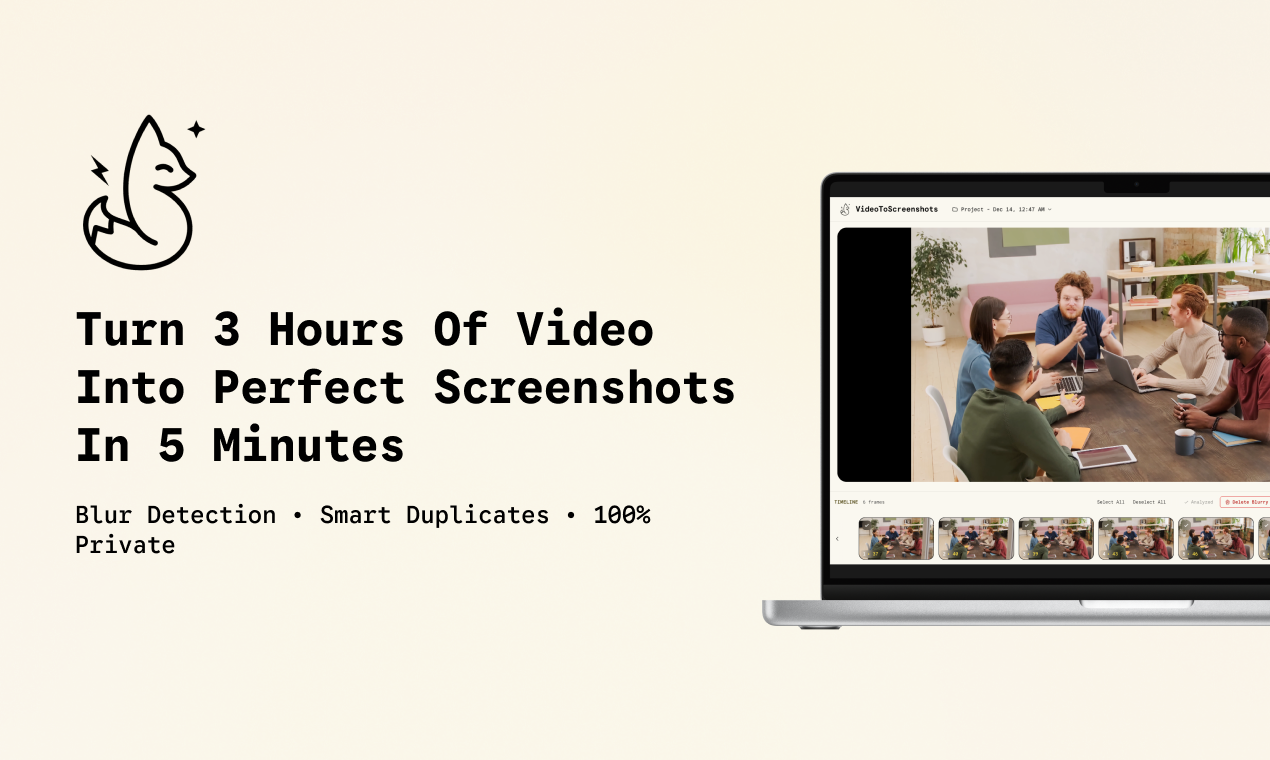
What is Video to Screenshots?
Video to Screenshots is a browser-based tool that automatically extracts high-quality still frames from video files. It processes footage locally on your device—no uploads, no servers, no waiting. The tool supports common formats like MP4, MOV, AVI, and WebM, and can pull frames at custom intervals or on demand. Built-in blur detection filters out unusable shots, and smart duplicate removal keeps your selection clean. You can work with unlimited projects, and the core features are free to use.
Who it's for
- Content creators who need a fast, reliable way to pull crisp thumbnails or stills from raw footage without manual scrubbing.
- Video editors and reviewers who scan hours of recorded material and want to isolate key moments without installing desktop software.
- Privacy-conscious users who require all video processing to stay on their own machine, with no data sent to external servers.
Key features
Auto-extract frames at set intervals
Set a time interval and let the tool scan through your entire video automatically. It captures frames at each interval, giving you a broad set of candidates to review. This turns hours of footage into a manageable gallery in minutes.
Blur detection and duplicate removal
After extraction, the tool analyzes each frame for sharpness. Blurry shots are flagged and can be filtered out with one click. The duplicate finder compares frames and removes near-identical captures, leaving you with a diverse, high-quality selection.
Local processing with full privacy
All video analysis and frame extraction happen inside your browser. No files are uploaded to any server. This means your footage never leaves your computer, making the tool suitable for sensitive or confidential material.
AI-powered workflows
Beyond basic extraction, Video to Screenshots connects to AI workflows. You can send selected frames to create a video showreel via Glims.io, or use the built-in tools for further processing. The interface also includes keyboard shortcuts (O to open, S to screenshot, P to play/pause, A to auto extract) for efficient navigation.
What stands out
"Your videos are processed locally in your browser—complete privacy guaranteed."
This is the core differentiator. Most video-to-screenshot tools require uploading files to a remote server, which raises privacy concerns and adds wait time. Video to Screenshots eliminates both issues entirely. Combined with blur detection and duplicate removal, it offers a level of automation and security that standalone screenshot tools rarely match.
Worth checking out if…
You regularly need to pull clean, sharp frames from video footage and want to avoid installing software or uploading files. It's especially useful for content creators, video reviewers, and anyone handling sensitive material who needs a fast, private, and free starting point.