What is VideoCutout?
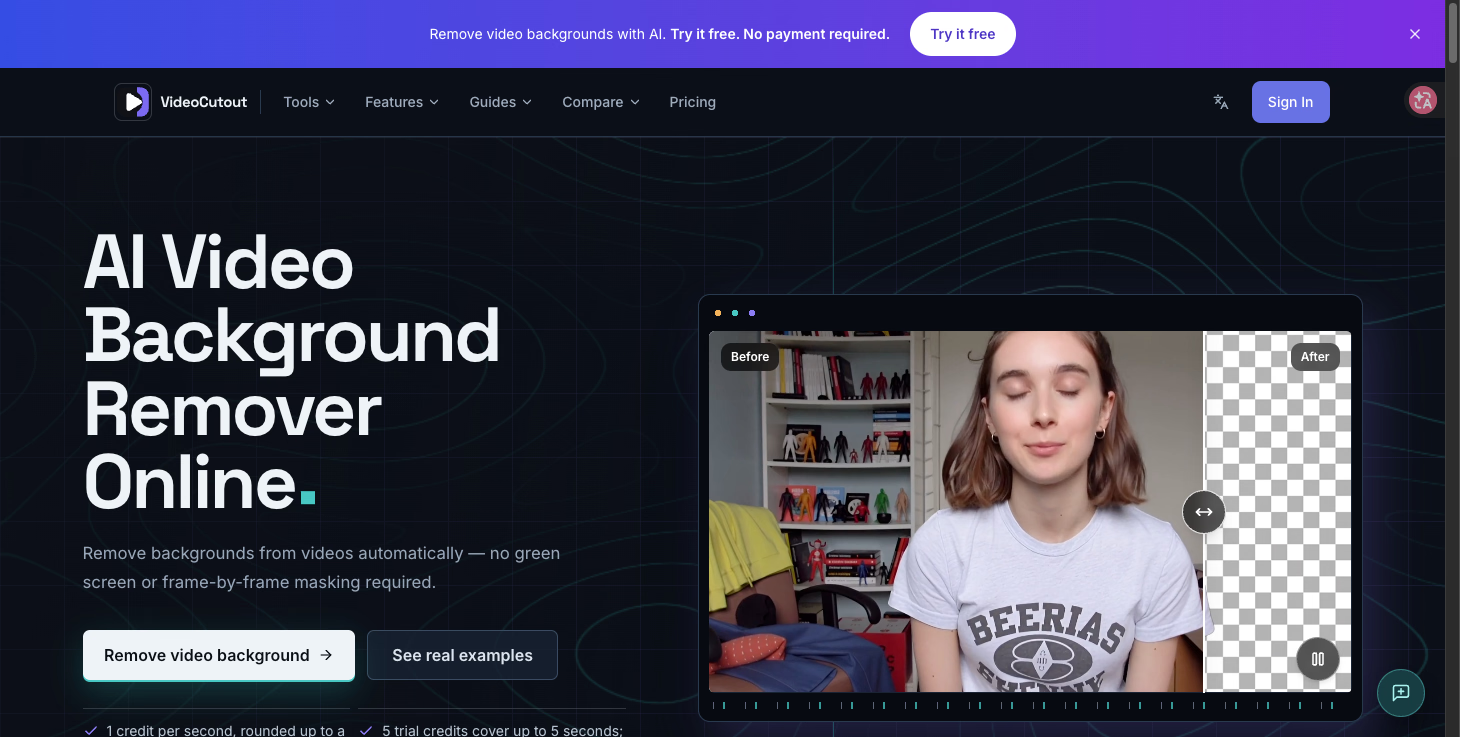
VideoCutout is an AI-powered video background remover that separates foreground subjects from their surroundings automatically. Instead of relying on a green screen, chroma key lighting, or frame-by-frame masking, it identifies the subject in ordinary footage and produces a clean cutout. You can export the result as a transparent WebM video or drop the isolated subject onto a replacement background image. The tool accepts MP4, MOV, WebM, and GIF input, and works with background images in JPG, PNG, and WebP formats.
Who it's for
- Creators producing short-form video — change the setting behind tutorials, shorts, and talking-head clips without a studio setup.
- Product and marketing teams — place a subject into a cleaner visual context for campaigns, demos, and product storytelling.
- Editors and motion designers — prepare foreground footage for compositing, motion graphics, and imaginative scenes.
Key features
Automatic AI cutout
The tool identifies the foreground subject on its own, so no green screen or chroma key backdrop is required. It handles separation across frames rather than asking you to mask each one manually.
Transparent WebM export
Processed clips can be exported as transparent WebM video for compatible editors, websites, and motion graphics workflows. This makes the cutout ready to layer over other footage or graphics.
Custom image backgrounds
Instead of transparency, you can upload a JPG, PNG, or WebP image and place the isolated subject into a new visual setting. This suits presentations, ads, and social posts that need a finished backdrop.
Broad format support
Video input covers MP4, MOV, WebM, and GIF, while background images can be JPG, PNG, or WebP. That range means you can work with common source files without converting them first.
What stands out
No green screen, no frame-by-frame masking — just upload a clip and let the AI isolate the subject.
That simplicity is the core appeal. The workflow is deliberately short: upload your video, choose transparent output or a replacement image, then process and download. It's aimed at people who want a usable cutout without owning a studio or learning a masking pipeline, and the subject handling extends to people, pets, products, and animated footage.
Worth checking out if…
You shoot video in everyday locations and want to swap or remove the background without chroma key setup. It's also a good fit if you need transparent video assets for compositing, or if you'd rather place a subject onto a custom image than key it out manually. If your work involves talking-head clips, product demos, or playful edits of pets and people, VideoCutout is built for exactly those workflows.