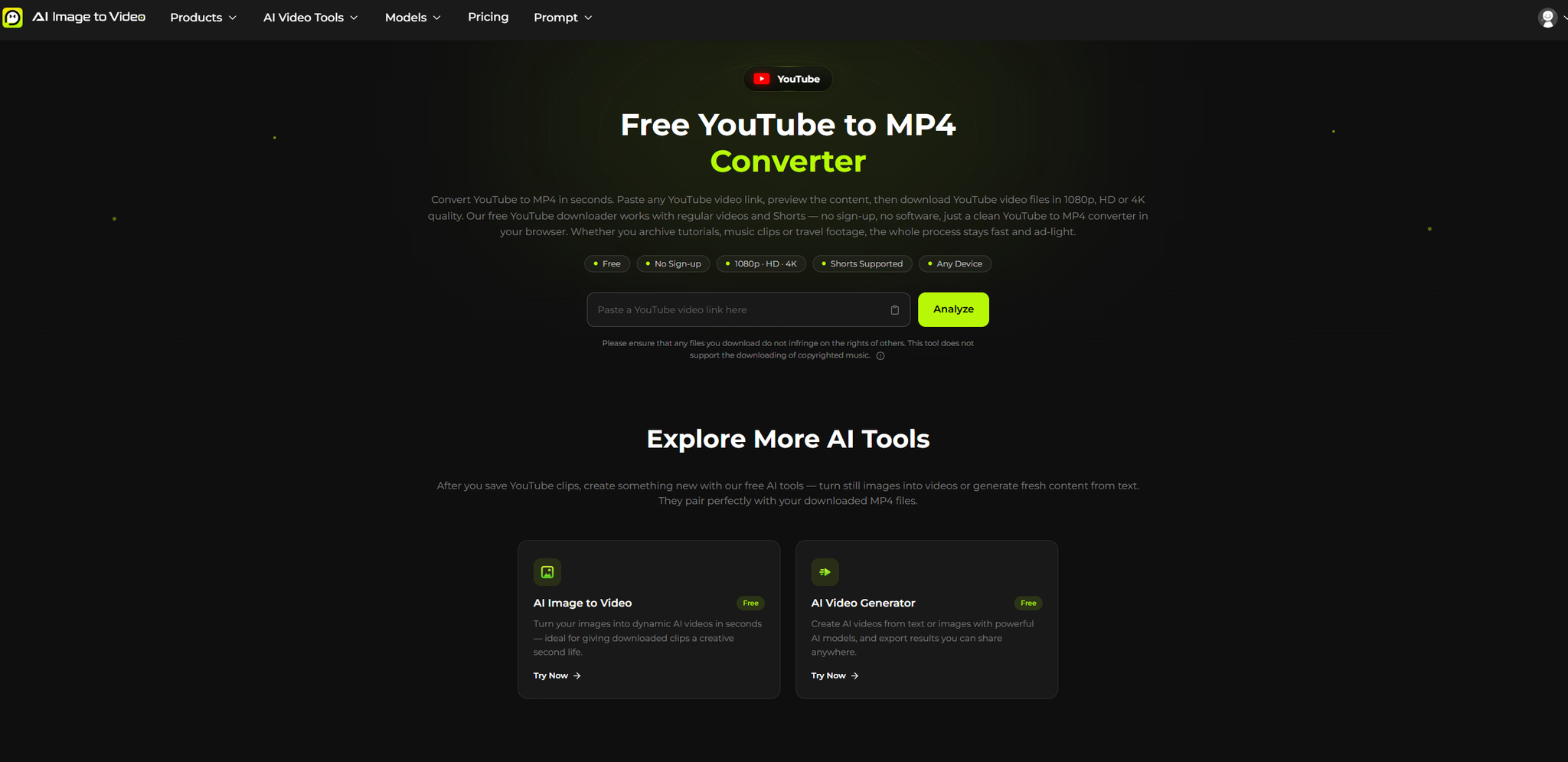
What is youtube to mp4?
youtube to mp4 is a browser-based converter that turns public YouTube videos and Shorts into MP4 files. You paste a link, preview the clip, pick a resolution from 360p up to 4K, and download the file directly — no sign-up, no app, and no software installation required. It runs entirely in your browser on desktop and mobile, keeping the workflow short: paste, analyze, choose quality, download.
Who it's for
- Casual savers — people who occasionally want an offline copy of a tutorial, music clip, or travel video without creating accounts or installing anything.
- Storage-conscious viewers — users who need lighter files like 360p or 480p for slow connections or limited phone space, rather than accepting a default quality.
- Privacy-minded downloaders — those who prefer a tool that doesn't store video URLs long-term and keeps history in a private local mode only.
Key features
Resolution choices from the source
You see every download option the video actually provides — 360p, 480p, 720p, 1080p, and 4K when the source allows it. This lets you balance file size against sharpness for each clip instead of settling for a fixed output.
Preview before you download
A thumbnail and playable preview appear after analysis, so you can confirm you've grabbed the right video before committing. This avoids surprises in your camera roll and ensures you only download what you actually need.
Universal MP4 compatibility
The output plays on phones, tablets, smart TVs, game consoles, and standard media players. Audio and picture stay in sync, and there's no extra conversion step after the download finishes.
No accounts or hidden steps
The converter works without email, personal data, or bundled software. It's free every day, with no pop-up walls, redirects, or quality caps — just paste, analyze, pick, and download.
What stands out
A YouTube downloader that respects your time — no pop-ups, no accounts, just paste, pick, and download.
The entire experience is built around speed and clarity. Many converters bury you in redirects or force you to accept a preset quality, but this one keeps every step visible and under your control. It also pairs with free AI tools on the same platform, letting you turn downloaded clips into new AI-generated videos or images — a creative bonus you won't find in typical converters.
Worth checking out if…
You want a straightforward, ad-light way to save YouTube videos as MP4 without committing to software or accounts. It's especially useful if you value resolution control, privacy (no long-term URL storage), and a tool that works equally well on a phone or desktop. Just remember to download only content you own or have permission to use — the tool explicitly doesn't support copyrighted music downloads.