Category
Productivity
Notes, tasks and personal-workflow tools.
- Products
- 733
- Size rank
- #2/ 37
Page 7 of 62


Pawvis
PawVis turns your Mac’s webcam into a hand-tracked mouse, no extra hardware required. Raise your hand and the cursor follows, dip a finger to click, and fold two fingers to scroll. Map gestures to custom actions like window management or any app/command from a series of common gestures or train your own. Everything runs 100% on-device, and PawVis is free and open source. Enable optional voice control for hands-free commands, or pass computer-use tasks to Codex or Claude Code.
102 upvotes


AutoClaw
AutoClaw is a desktop AI agent for multi-step work across files, browsers, office documents, web apps, and IM. Give it a goal, let it operate tools and coordinate agents, then get the finished work back in the same conversation. GLM-5.3 is built in.
59 upvotes


Surfdeck
Keep your favorite sites close at hand, right from your Mac's menu bar.
118 upvotes


Plow Latch
Safely give your agent real control of your Mac, while keeping your data local on your machine. With Plow Latch, pretty much anything you can do with your Mac, you can do with your AI.
96 upvotes

PaperBanana
PaperBanana is an academic illustration generator designed for researchers, transforming paper text, references, or rough sketches into publication-ready methodology diagrams, statistical charts, and AI research graphics. Through intelligent layout planning, scientific fidelity, and a self-critique loop, it ensures that the generated graphics accurately reflect the content of the paper.Stop manually redrawing graphics—paste your paper text and get clear research visuals.Supports a variety of tools, including methodology diagram generation, sketch cleanup, poster panels, and model architecture diagrams. Benchmark evaluations based on 292 curated test cases ensure high-quality output.
159 upvotes


Hosted Agents in Cluing
Cluing Hosted Agents take agents off one person’s laptop and into a collaborative workspace. Start work from your computer, continue on your phone, and hand it over to teammates without losing context. Evolving skills update as you collect new insights and agents become a team asset. Anyone can now assign tasks, publish their work, and connect to any external tool with an API or MCP with Cluing's custom connectors. Close the laptop - the work will keep going.
158 upvotes


Clipto MCP
Clipto MCP gives Claude, ChatGPT, and other AI agents the ability to source clips and more from inside the videos, photos, and audio recordings stored on your computer. Instead of manually browsing files, simply describe what you need. For example, turn a script into a video by matching each sentence with your local footage; find every scene where someone mentioned a topic; create rough cuts; or search years of media as if you have a dedicated assistant editor.
199 upvotes


Taku AI
AI is getting insanely powerful — and somehow harder to use. Taku fixes the last mile. It turns the best skills, agents, and workflows into real desktop apps anyone can run, remix, and make their own. Borrow setups from the pros, skip GitHub and setup, or just tell Taku what you want and watch it assemble the stack. The more you work, the more Taku learns what you need — and brings the right tools to you.
98 upvotes


Glanced
Glanced is the unified reader for the news, blogs, newsletters, and podcasts you follow, all in one calm timeline. AI summaries cut through the noise so you decide in seconds what's worth reading. Stories cluster same-event coverage across sources so you see the news, not the duplicates. Instant full-text search spans your whole archive. Read anywhere on web, desktop, iOS, and Android, all synced in real time, with a browser extension that finds feeds as you browse. Free to start.
100 upvotes
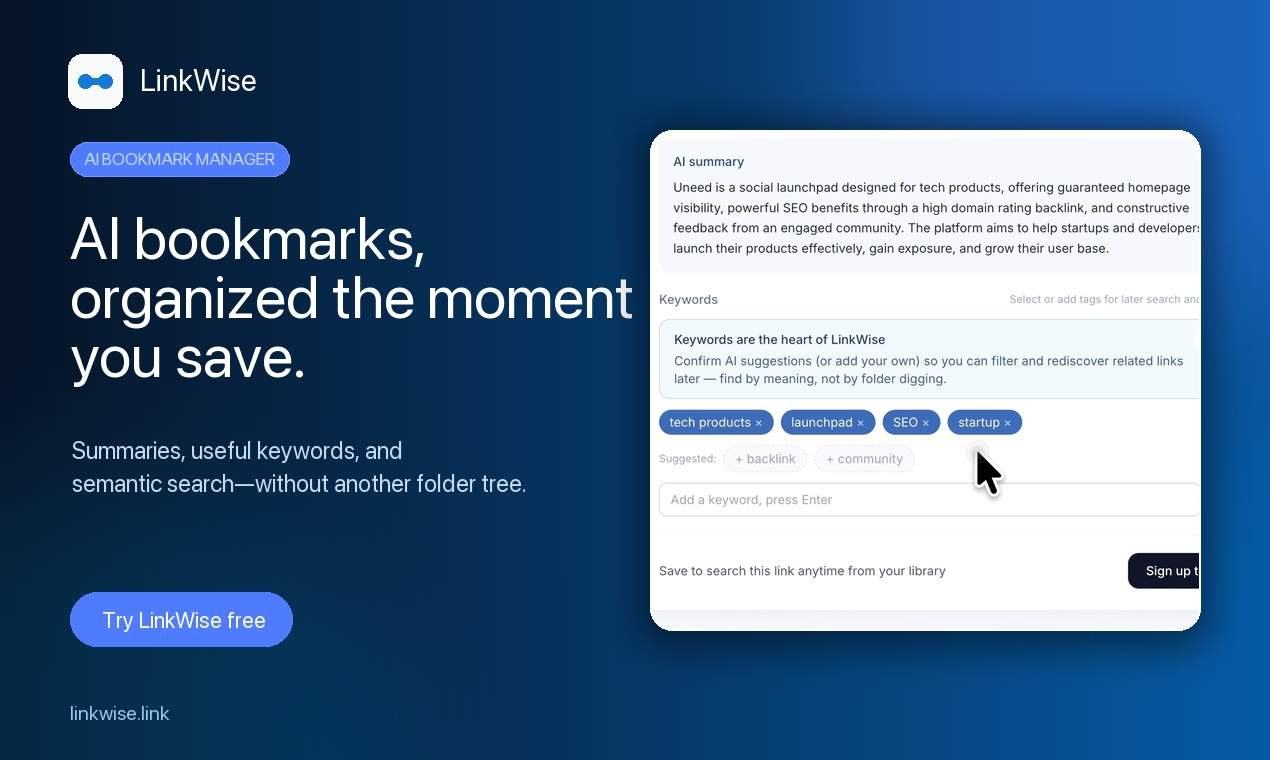

linkwise.link
LinkWise is an AI bookmark manager for people who save links they never find again. Paste any URL for a summary and keywords, then search by tags or m
92 upvotes


Meridian
Meridian is an open-source AI work journal that runs entirely on your device. It writes your work up in plain English as the day goes, so by the end of the day you have a summary of everything you did. Meridian automatically drafts your updates for your project management tools like Jira, ready to post once you approve them. Do the work. Let the remembering take care of itself. No cloud, no account. MIT-licensed, free.
199 upvotes
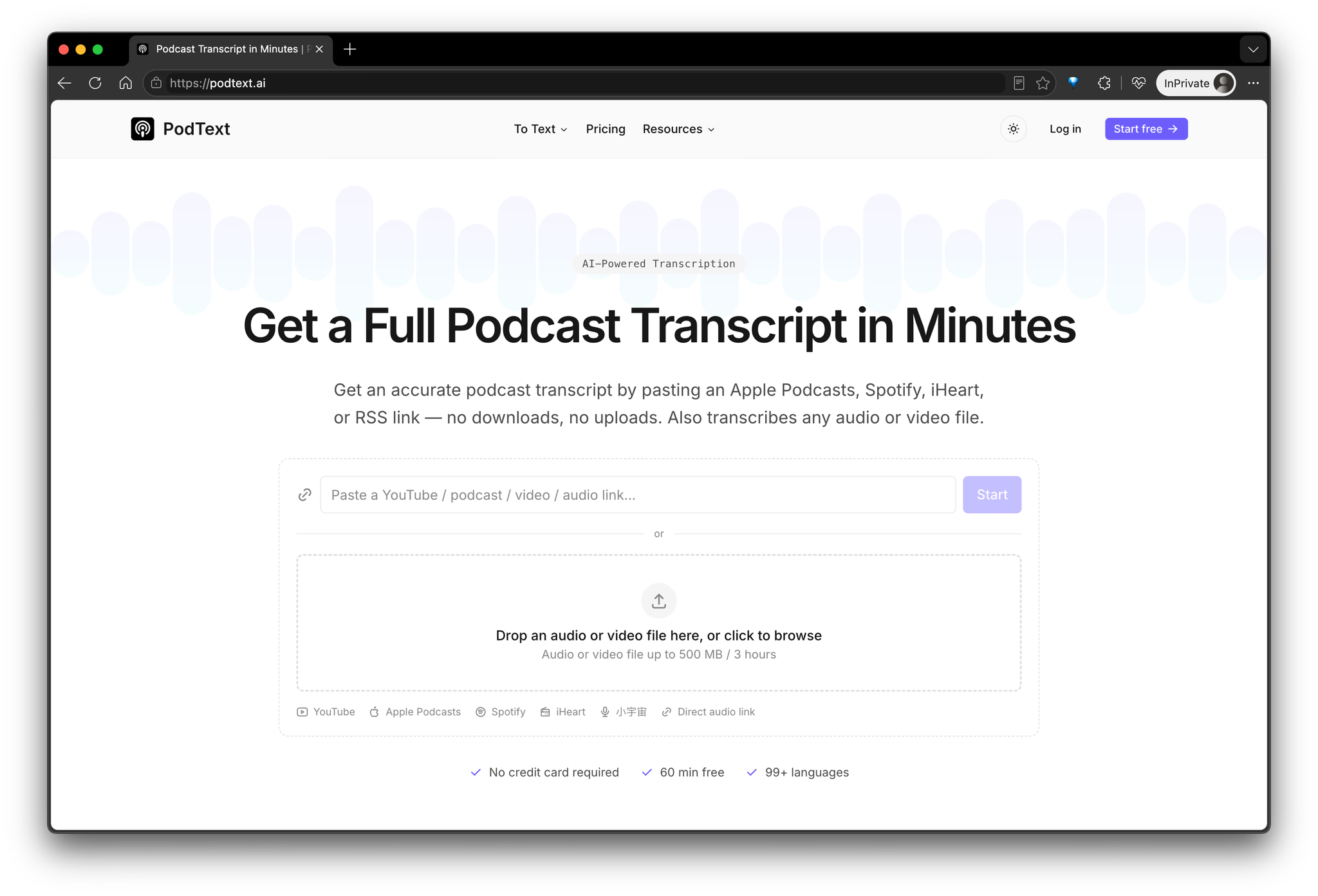

PodText
PodText is an AI-powered transcription tool for turning podcasts, audio, and video into accurate, editable text. It is designed for podcasters, content creators, journalists, researchers, students, educators, and anyone who regularly works with spoken content.Instead of manually transcribing a recording or switching between multiple tools, users can upload a file and let PodText handle the transcription process. It supports common audio and video formats including MP3, WAV, M4A, AAC, MP4, MOV, and WEBM.PodText supports more than 50 languages with automatic language detection and provides up to 98%+ transcription accuracy. Transcripts include timestamps and can be edited directly in the browser, making it easy to correct names, terminology, or other details after transcription.For podcasts, PodText also supports importing episodes from Apple Podcasts, Spotify, and RSS feeds. This means podcasters can work with existing published episodes without first downloading and manually uploading the original audio file.Key features include:• AI transcription for podcasts, audio, and video• 50+ languages with automatic language detection• Accurate, timestamped transcripts• Editable transcripts directly in the browser• Full-text transcript search• Podcast importing from Apple Podcasts, Spotify, and RSS• AI-generated summaries and show notes• TXT and Markdown export• SRT and VTT subtitle exportPodText is useful for more than simply converting speech into text. Once a recording has been transcribed, the transcript can become the starting point for other types of content.Podcasters can turn episodes into written transcripts and show notes. YouTube creators can generate subtitles and repurpose spoken content into articles. Journalists and researchers can create searchable records of interviews. Students can convert lectures and recordings into text that is easier to review and search. Content teams can also use transcripts as source material for articles, summaries, newsletters, and other written content.The workflow is straightforward: upload an audio or video file, or import a podcast episode, wait for PodText to generate the transcript, review and edit the result, and then export it in the format you need.For subtitle workflows, transcripts can be exported as SRT or VTT files and used with video editing and publishing platforms. For written content, users can export TXT or Markdown files for further editing, publishing, or archiving.PodText also includes AI-generated summaries and show notes, helping users quickly understand long recordings and turn them into useful written content without starting from a blank page.New users receive 30 minutes of free transcription, and no credit card is required to get started. This makes it easy to test PodText with a real podcast episode, audio recording, interview, lecture, or video before deciding whether to use it for larger transcription projects.
182 upvotes
Keep exploring
- Artificial IntelligenceAI-powered products across agents, search and automation.1,244
- SaaSSubscription software for every business function.548
- Developer ToolsEditors, CLIs and everything around the build loop.524
- Marketing ToolsSEO, campaigns and audience-growth tooling.357
- Design ToolsInterface, illustration and asset design tools.222
- APIs & IntegrationsConnect products together through APIs, SDKs and integrations.145