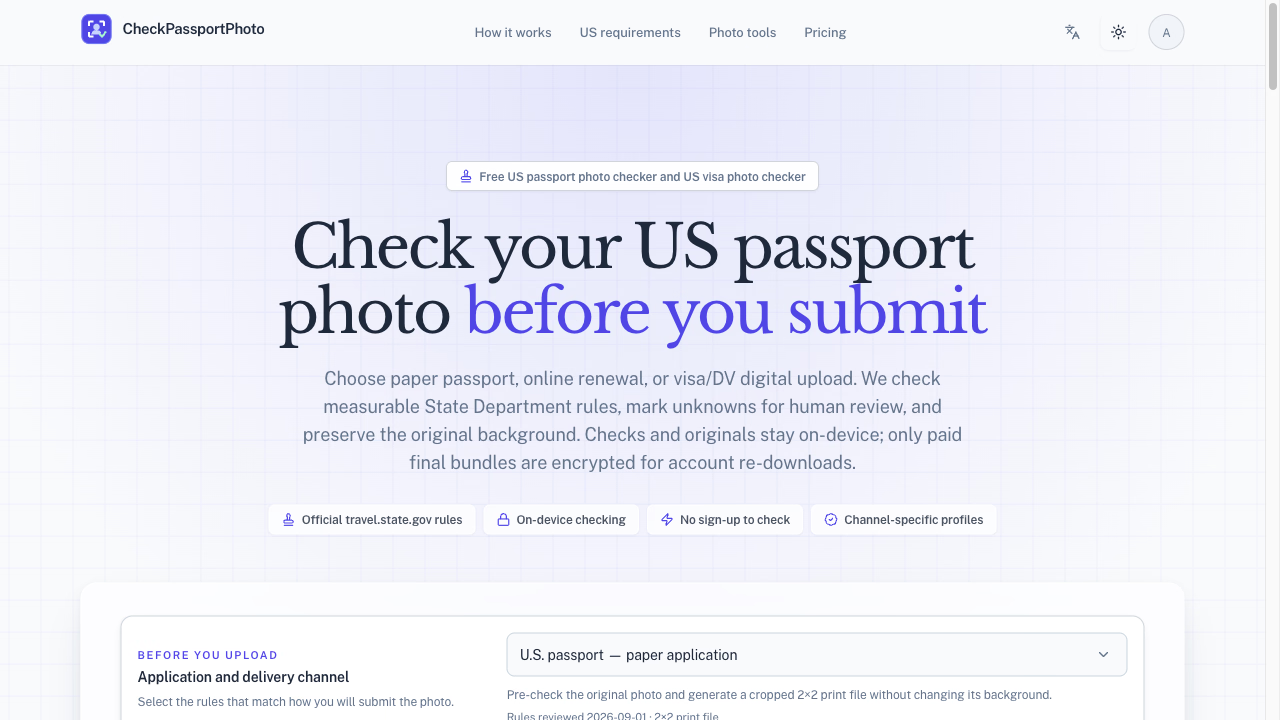
What is CheckPassportPhoto?
CheckPassportPhoto is a browser-based pre-check tool for US passport and visa photo requirements. It measures your photo against the official State Department rules for head size, eye position, tilt, background, and sharpness — all locally on your device. You choose your application channel (paper passport, online renewal, or visa/DV digital upload), upload a photo, and get a clear pass/fail breakdown before you submit anything to the government. Free checks and watermarked previews are always available, while paid bundles unlock HD JPEGs and print-ready sheets.
Who it's for
- DIY passport applicants — people applying for a US passport or visa who want to avoid rejection letters over photo technicalities.
- Families applying together — parents handling multiple applications at once who need consistent, channel-specific photo output for each member.
- Frequent client-work professionals — photographers or visa consultants preparing photos for others, who need volume pricing and commercial-use rights.
Key features
Channel-specific rule profiles
CheckPassportPhoto doesn't apply one generic standard. It matches the rules to how you'll actually submit — paper application, online renewal, or visa/DV digital upload — because those channels have different measurable requirements.
On-device privacy
Your original photo and every analysis result stay in your browser. Nothing is uploaded for checking. Only if you purchase a paid bundle are the final JPEGs encrypted and stored for 30-day account re-downloads.
Explainable results
Each check tells you exactly what passed, what failed, and why — for example, "head tilted 8°." Uncertain items are marked as unknown for human review rather than guessed at, so you know precisely where you stand.
Background-preserving cropper
The built-in cropper generates a compliant 2×2 print file or 600×600 digital file without altering the original background pixels. If the background is bad, it tells you to retake — it never silently replaces it.
What stands out
"Most photo apps just resize — CheckPassportPhoto measures."
That's the core difference. Instead of a vague "looks fine" verdict, you get numeric feedback against the actual 2×2 specification. The tool is built around correctness and explainability, not guesswork. It also respects your privacy by design, keeping checks on-device and only encrypting paid exports for re-download.
Worth checking out if…
You're preparing a US passport or visa photo and want to verify measurable requirements before submitting — especially if you've had photos rejected before or you're applying through a specific channel like online renewal that has its own rules. It's also worth a look if you handle photos for family members or clients and need consistent, channel-specific output with commercial-use options. Just remember: it checks measurable rules and flags unknowns for human review — it doesn't guarantee acceptance.