What is ImageNow?
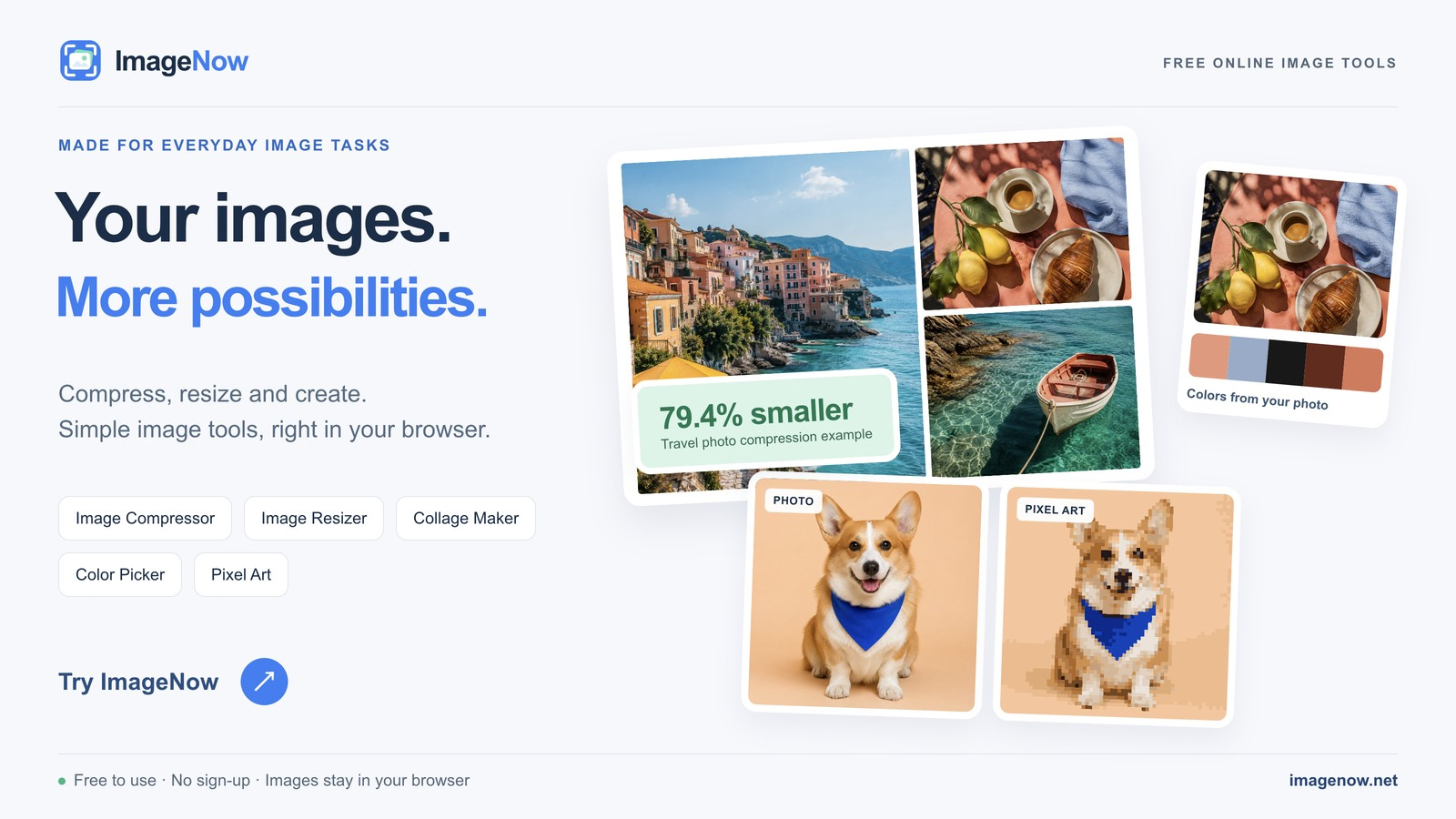
ImageNow is a free collection of online image tools that handles everyday picture tasks in one place. You can compress, resize, and convert images, build PDFs, GIFs, memes, and collages, pull color palettes from a photo, apply a pixelated mosaic, or turn an image into pixel art. Everything runs locally in your browser, so your source files stay on your device and the results download straight from the current session. There is no sign-up and nothing to install, and the site is available in multiple languages with guidance for each tool.
Who it's for
- Everyday users with a quick image job — compress a photo, resize a batch, or convert a format without opening desktop software.
- Creators making visual content — build GIFs, memes, collages, and pixel art from your own images.
- Designers and marketers — extract color palettes, convert files to JPG, or combine images into a single PDF.
Key features
Image compression and conversion
Compress JPG, PNG, GIF, WebP, SVG, and TIFF files and compare the file-size savings before you download. Convert to JPG accepts PNG, WebP, HEIC, and other formats, with support for PSD, TIFF, SVG, and common camera RAW files.
Resizing and PDF creation
Resize one or more images by pixels or percentage and choose the output format. Image to PDF combines JPG, PNG, HEIC, TIFF, SVG, WebP, and other browser-readable images into one document.
GIF, meme, and collage tools
Create an animated GIF from images or a browser-decodable video, or add styled captions to your own image with the meme generator. Collage tools let you arrange multiple pictures into a single composition.
Art and effects
Give photos a different look with color palette extraction, a pixelated mosaic effect, or a full pixel-art conversion. Real examples let you compare results before trying your own image.
What stands out
Your images never leave your device — every tool processes files locally in your browser.
That local processing is the core of the experience. Source files stay on your machine, generated files download directly from the browser session, and closing or refreshing the page clears the working session. Your originals are never overwritten; ImageNow creates new files for you to download, and each tool page explains how compression or conversion may affect size, transparency, or animation.
Worth checking out if…
You want a no-account, no-install way to handle image tasks without uploading personal photos to a server. It suits anyone who needs batching — compression and JPG conversion accept up to 100 files of up to 100 MB each, while Image to PDF takes up to 20 images of up to 20 MB each. It works in modern browsers on Windows, macOS, Linux, iPhone, iPad, and Android, though very large images, animated files, TIFF documents, and camera RAW files need more memory and may run better on a desktop.