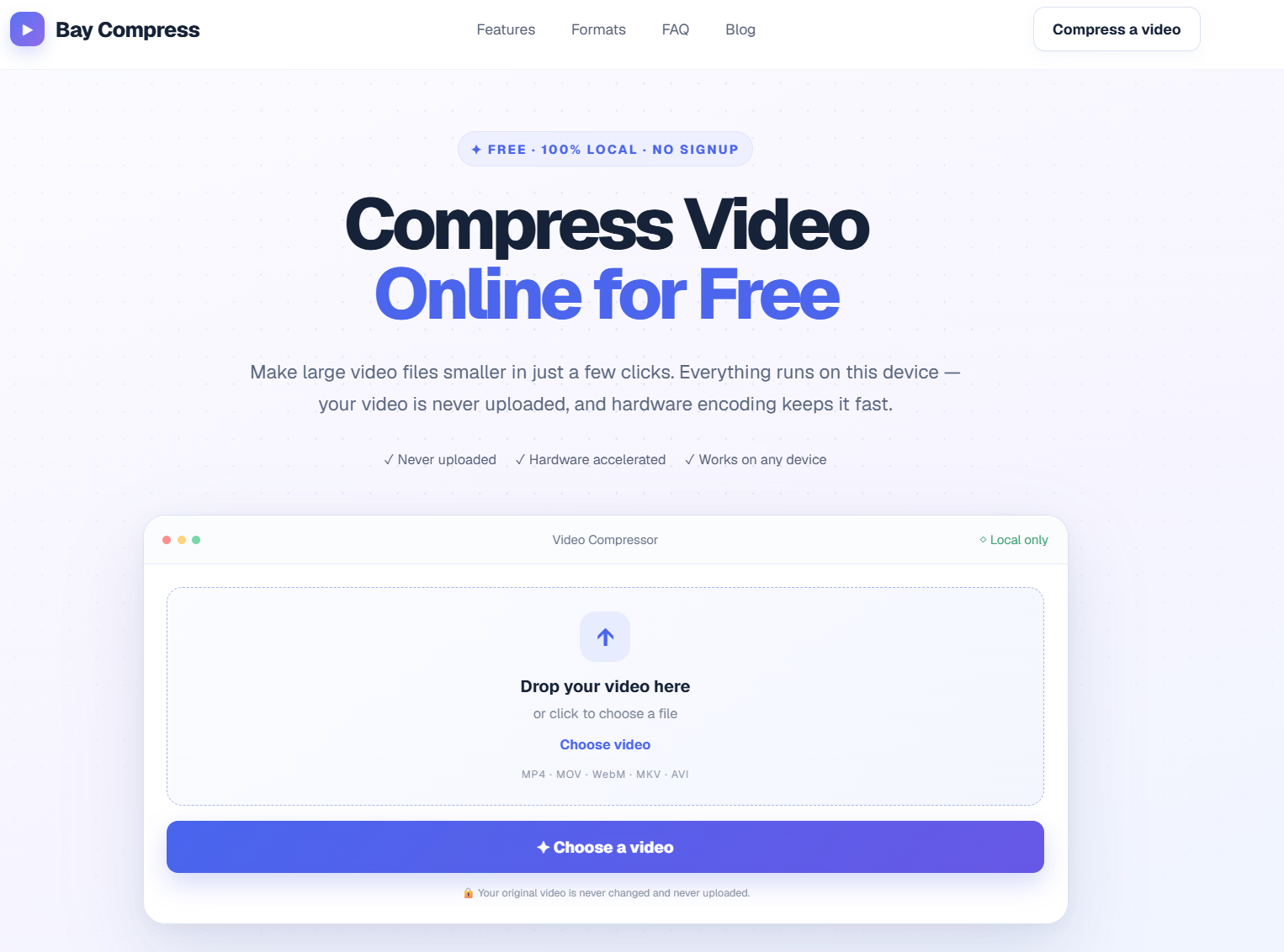
What is Bay Compress?
Bay Compress is a free, browser-based video compressor built for shrinking large video files without sending them anywhere. It runs entirely on your own device, using local encoding rather than a server queue, so your original footage is never uploaded, stored, or deleted afterwards — because it never left your machine in the first place.
The tool accepts common formats including MP4, MOV, WebM, MKV, and AVI, and re-encodes everything to H.264 MP4 for the widest possible playback compatibility. Whether you're trimming a gaming clip for Discord or squeezing a phone recording under an email attachment cap, the workflow stays the same: drop in a file, pick a level, download the result.
Who it's for
- Privacy-conscious users — anyone who doesn't want personal or client footage passing through a third-party server.
- Everyday sharers — people hitting upload limits on Discord, email providers, or social platforms.
- Multi-device users — those compressing from a computer, phone, or tablet without installing software or creating an account.
Key features
Local, in-browser encoding
Compression runs directly in your browser with WebCodecs, meaning nothing is uploaded and no server ever holds your file. Your original video is never modified.
Size estimates before you commit
Each compression level displays its expected output size and the percentage saved, calculated from resolution, frame rate, and duration. You can compare options before spending any time encoding.
Hardware acceleration with software fallback
Bay Compress tries the prefer-hardware encoding path first and measures real performance on your first frames. If WebCodecs is unavailable or fails mid-encode, FFmpeg.wasm takes over so compression still completes locally.
Watermark-free exports
Compress and download as many videos as you like — no logo burned into the corner, no installation, and no account required.
What stands out
Your video is never uploaded, never queued on a server, and never deleted afterwards — because nothing ever left your device.
That privacy-first design isn't just a marketing line; it's the architecture. Encoding happens locally through WebCodecs, with FFmpeg.wasm as a fallback, so the tool works even when a cloud service would be impractical or untrustworthy. Combined with instant size estimates and hardware-accelerated speed, it delivers a genuinely practical compression workflow without the usual trade-offs.
Worth checking out if…
You regularly deal with oversized video files and want them smaller without handing footage to a server. It's especially useful if you're fighting upload limits on Discord, email, or social platforms, or if you simply prefer tools that work instantly in the browser with no signup, no install, and no watermark.