What is glTF to STL Converter?
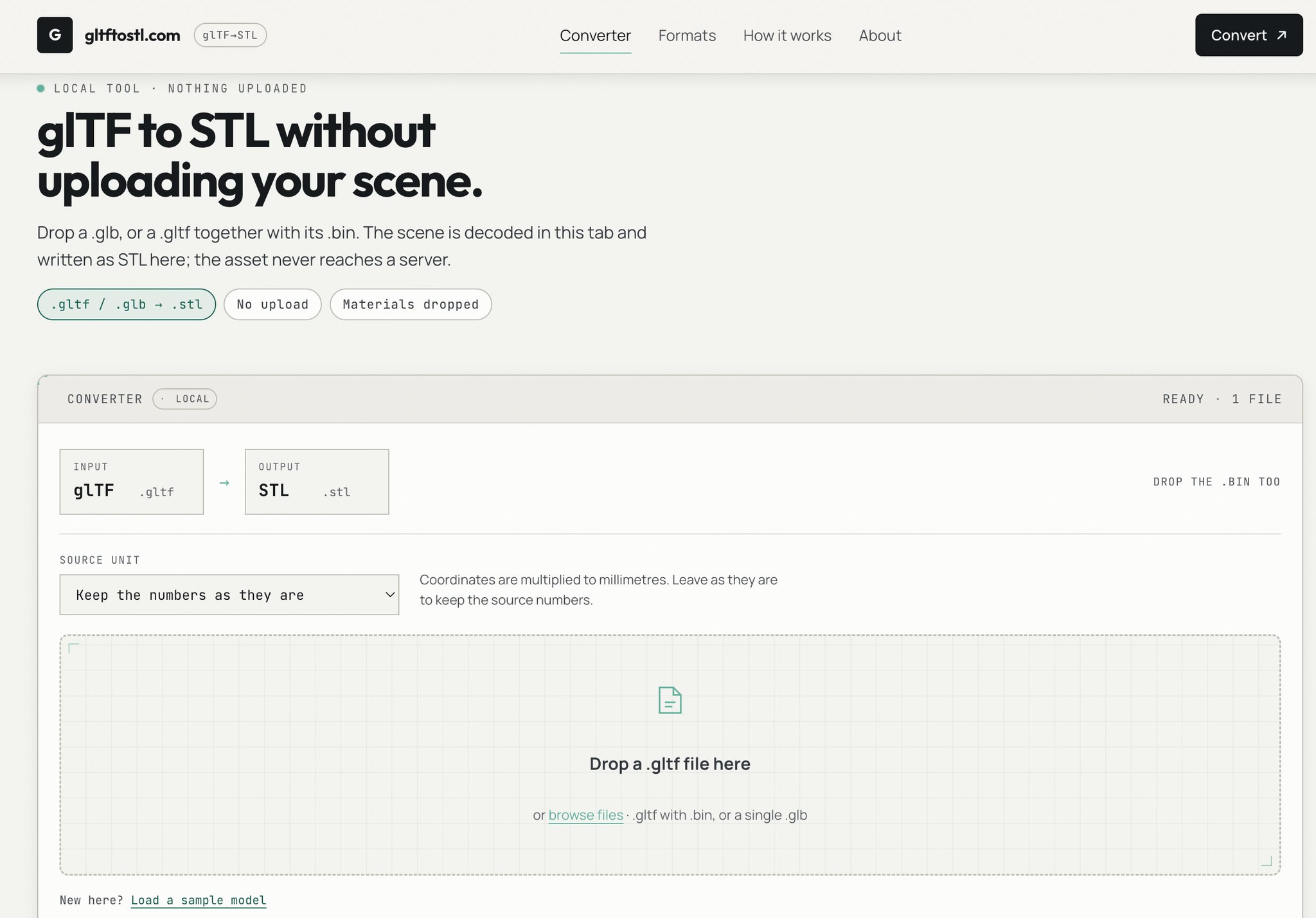
glTF to STL Converter is a free, browser-based tool that turns glTF scenes into binary STL files entirely on your device. Drop a .glb, or a .gltf together with its .bin, and the scene is decoded in your tab and written as STL there — the asset never reaches a server. It's built for the moment you have a glTF asset and need a static triangle mesh for printing or downstream processing.
Who it's for
- 3D printing hobbyists — who want to bring a glTF game or marketplace asset into a slicer without hunting for desktop conversion software.
- Privacy-conscious users — who'd rather not upload proprietary or unreleased models to an online conversion service.
- Quick one-off converters — who need a static STL from a glTF scene and don't care about materials, textures, or animation.
Key features
Local, in-browser conversion
The scene is decoded and written inside your browser tab. Nothing is uploaded, so the asset stays on your machine throughout the process.
Node flattening and instance expansion
Every mesh node is baked into world space and merged into one triangle list. Instances are expanded, so each copy becomes its own set of triangles — meaning the STL can be larger than the source scene file.
Source unit selector
A unit selector (mm, cm, m, in) multiplies coordinates to millimetres. Since glTF models are usually authored in metres, picking metres as the source unit keeps your print at the right scale.
Honest handling of missing files
A .gltf needs its .bin dropped alongside it. If the buffer is missing, the tool reports it rather than guessing or producing an empty mesh.
What stands out
glTF to STL without uploading your scene.
That local-first promise is the core of the tool, and it's backed by clear expectations about what conversion actually means. Materials, textures, animations, and skinning are dropped because STL stores static triangles and nothing else — only the rest-pose geometry is written. The tool also warns that a flattened game asset often has open edges, so checking it with a mesh report before slicing is a sensible step.
Worth checking out if…
You have a glTF or GLB asset you need as a static STL and you'd prefer not to upload it anywhere. It's a good fit if you understand that the output is geometry only — no materials, no animation — and you're prepared to verify scale and mesh integrity before printing. If you need textures preserved or a fully watertight result straight out of the box, this converter is a starting point rather than a finishing tool.