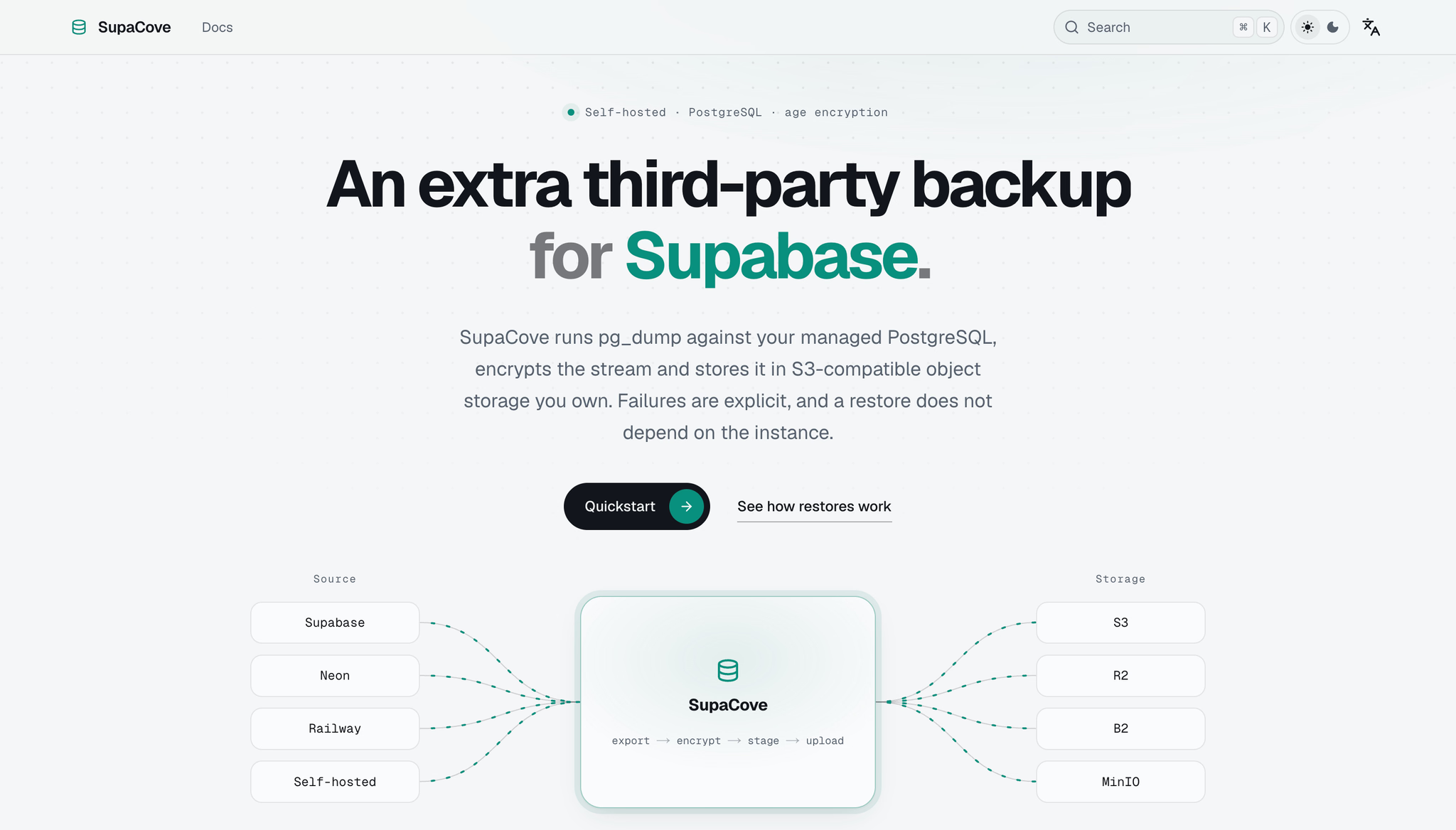
What is SupaCove?
SupaCove is a self-hosted PostgreSQL backup tool that runs pg_dump against your managed database, encrypts the resulting stream with age, and stores it in S3-compatible object storage you own. The whole process is broken into six clearly defined stages: export, encryption, staging, upload, verification, and notification. Any failure in export, encryption, or commit lands the job as failed — never as succeeded. The guiding idea is simple: lose the instance, keep the backup.
Who it's for
- Supabase, Neon, and Railway users on free plans — scheduled automatic backups with old ones pruned by your retention policy.
- Teams on paid managed Postgres — keep an encrypted third-party copy in object storage you control, alongside the platform's own backups.
- Anyone who wants recovery without the original instance — restore needs only the ciphertext, an offline age identity, and the recovery script.
Key features
Six-stage backup pipeline
Each backup moves through export, encryption, staging, upload, verification, and notification. A failure in export, encryption, or commit marks the job as failed, while verification and notification carry their own separate status.
age encryption with an offline identity
Backups are encrypted with age while being dumped, using X25519 and ChaCha20-Poly1305 through a built-in library — no external age CLI required. By default the instance holds only the public recipient; the identity that decrypts stays offline with you.
Standalone recovery kit
Recovery requires exactly three things: the *.dump.age ciphertext with its manifest, your offline identity.txt, and the restore.sh script. The manifest describes itself with server version, table count, SHA-256, and recipient fingerprint, so the metadata database is not a prerequisite.
Explicit failure handling
Shutdown-interrupted jobs are recorded as interrupted rather than falsely failed, and startup re-uploads automatically when resume conditions hold. Passwords and credentials are redacted across logs, API errors, task history, and metrics.
What stands out
Lose the instance, keep the backups.
That line captures the core promise: your recovery does not depend on the original database instance surviving. The manifest is self-describing, so even without the metadata database you have what you need to restore. Combined with the offline age identity, this makes SupaCove's backups genuinely portable rather than tied to a running system.
Worth checking out if…
You run PostgreSQL on a managed platform and want an encrypted, self-owned copy you can actually restore from. It's especially relevant if you're on a free plan that lacks automatic backups, or if you want a third-party copy independent of your provider's own retention. If losing the instance while keeping the backup sounds like the right trade-off, SupaCove is built around exactly that.